18
4.3. Setting up the harvester
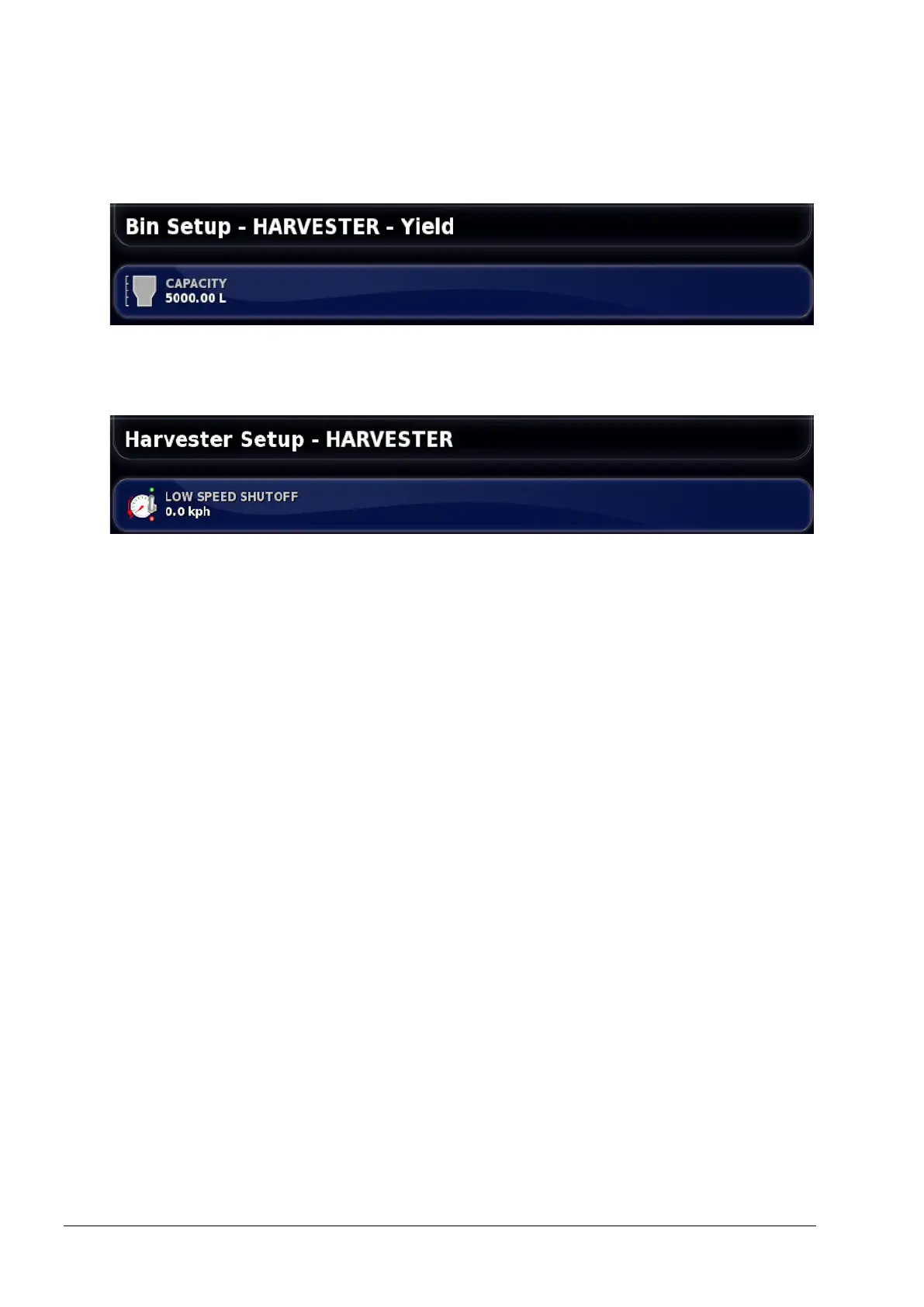
1. Select Implement / Harvester / Bin.
• Capacity: The volume of the combine bin.
2. Select Implement / Harvester / ISOBUS Settings.
• Low speed shutoff: Sets the speed at which the master switch
will disengage. If it is set to 0.0 kph, the feature is off.



 To Next Page