Chapter 7 – UT Screens
37
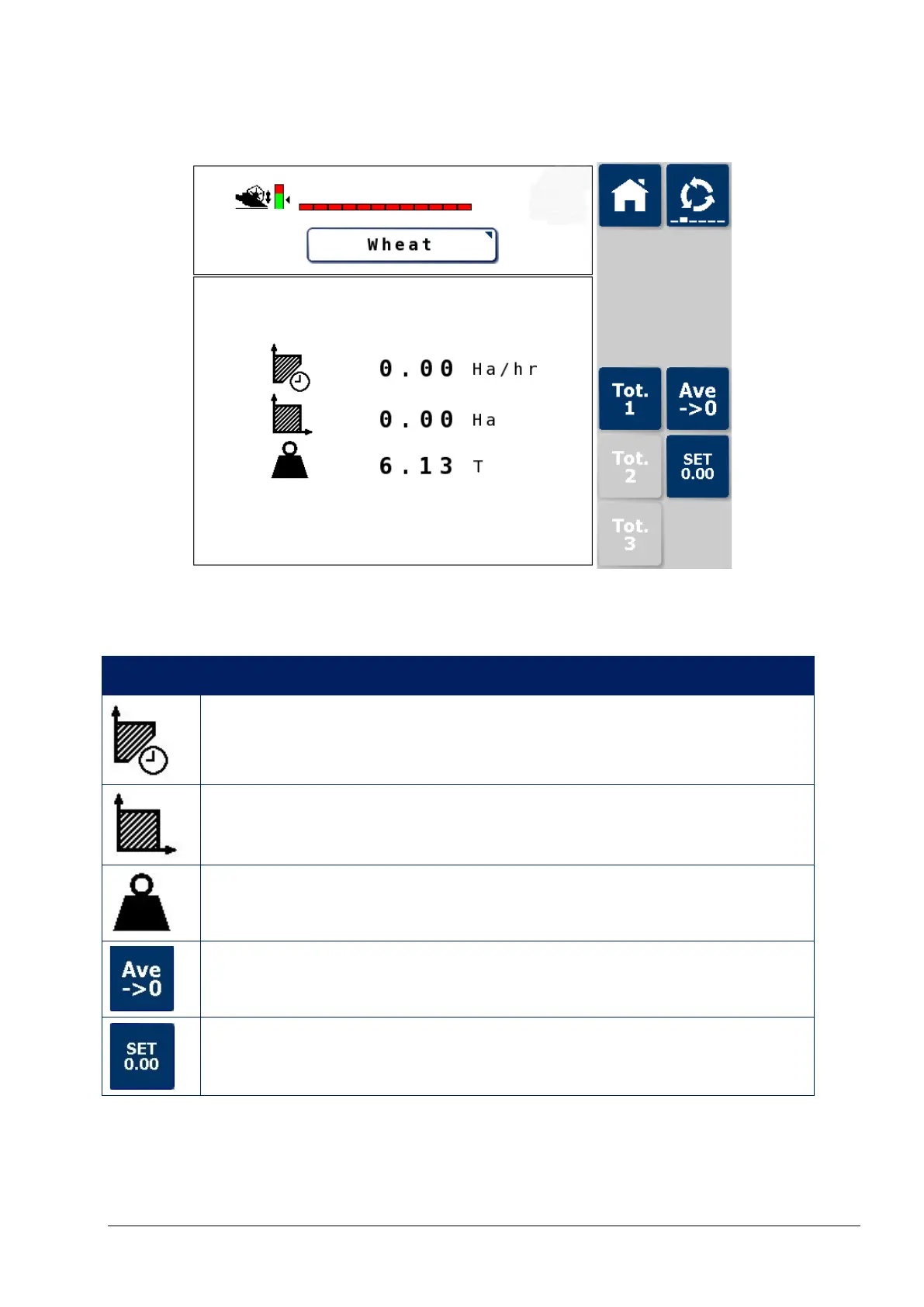
7.4. Totals screen
This screen can display three totals values, which can be reset
independently.
Icon Description
Cut rate (work rate) (area/hour) since last reset.
Area total harvested since last reset.
Total yield quantity since last reset (reset should be
performed once the combine is emptied).
Resets the Yield and Productivity averages displayed on the
Main screen to zero.
Resets the displayed total values to zero. Press and hold.



 To Next Page