Chapter 7 – UT Screens
49
The display shows the forward speed and the throughput in the clean
grain elevator (% darkness). The indicator bar displays these
parameters relative to the calibration points (PCt and PC1 – PC5).
3. Start combining at maximum harvest speed, then press START to
begin the calibration. Both indicators should go to the maximum
(PC5). When both indicators remain steady for 10 seconds, the
instrument beeps three times and the % darkness value is
automatically saved for PC5.
4. Slow the forward speed until the top indicator is at the PC4 mark.
The bottom indicator will slowly move left.
When both indicators remain steady for 10 seconds, the
instrument beeps three times and the % darkness value is
automatically saved for PC4.
5. Repeat the above step for PC3, PC2 and PC1. This concludes the
calibration procedure.
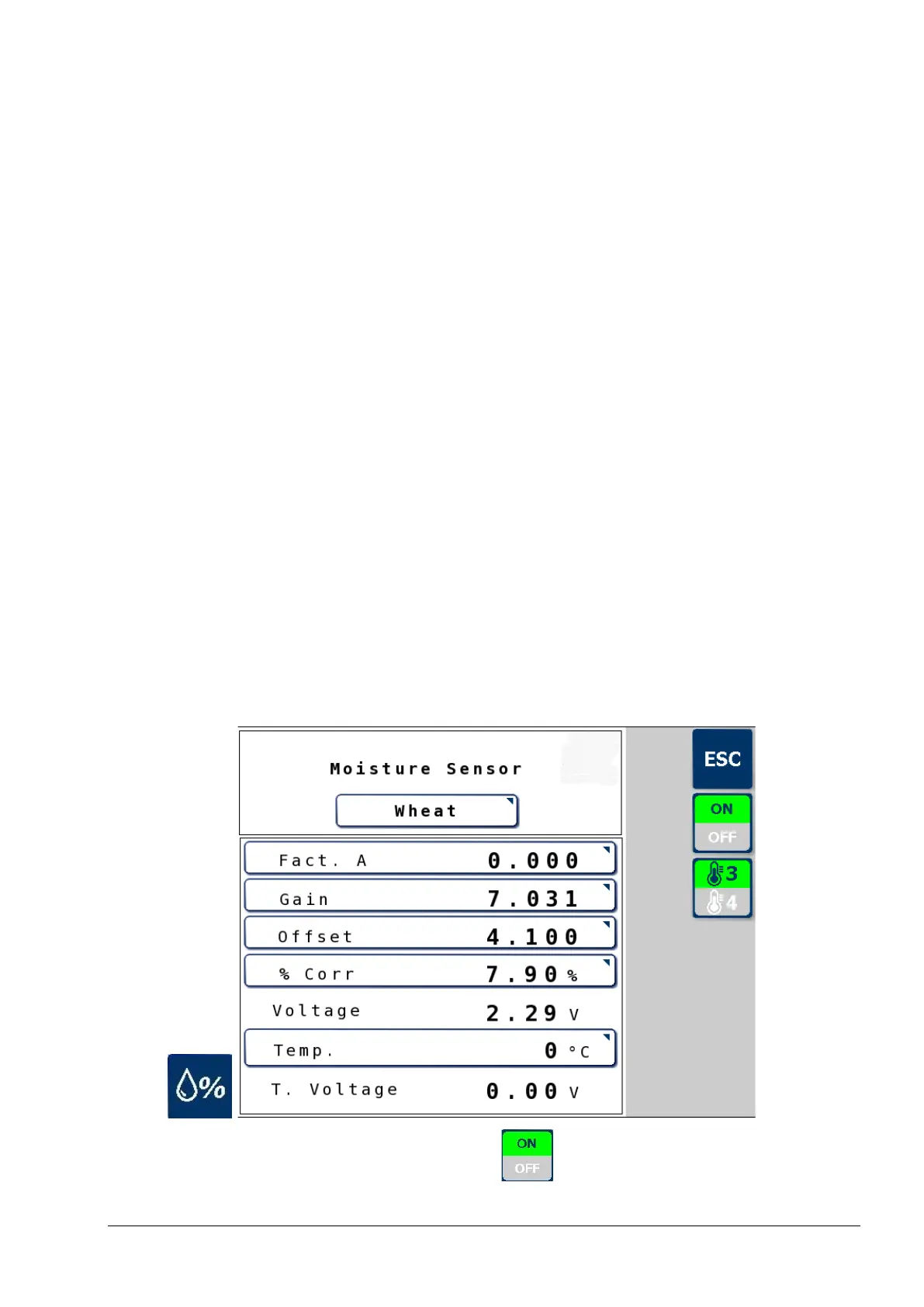
7.7.6. Moisture sensor
Use this screen to calibrate the moisture sensor.
If no moisture sensor is fitted press the button to select OFF.



 To Next Page