Chapter 7 – UT Screens
35
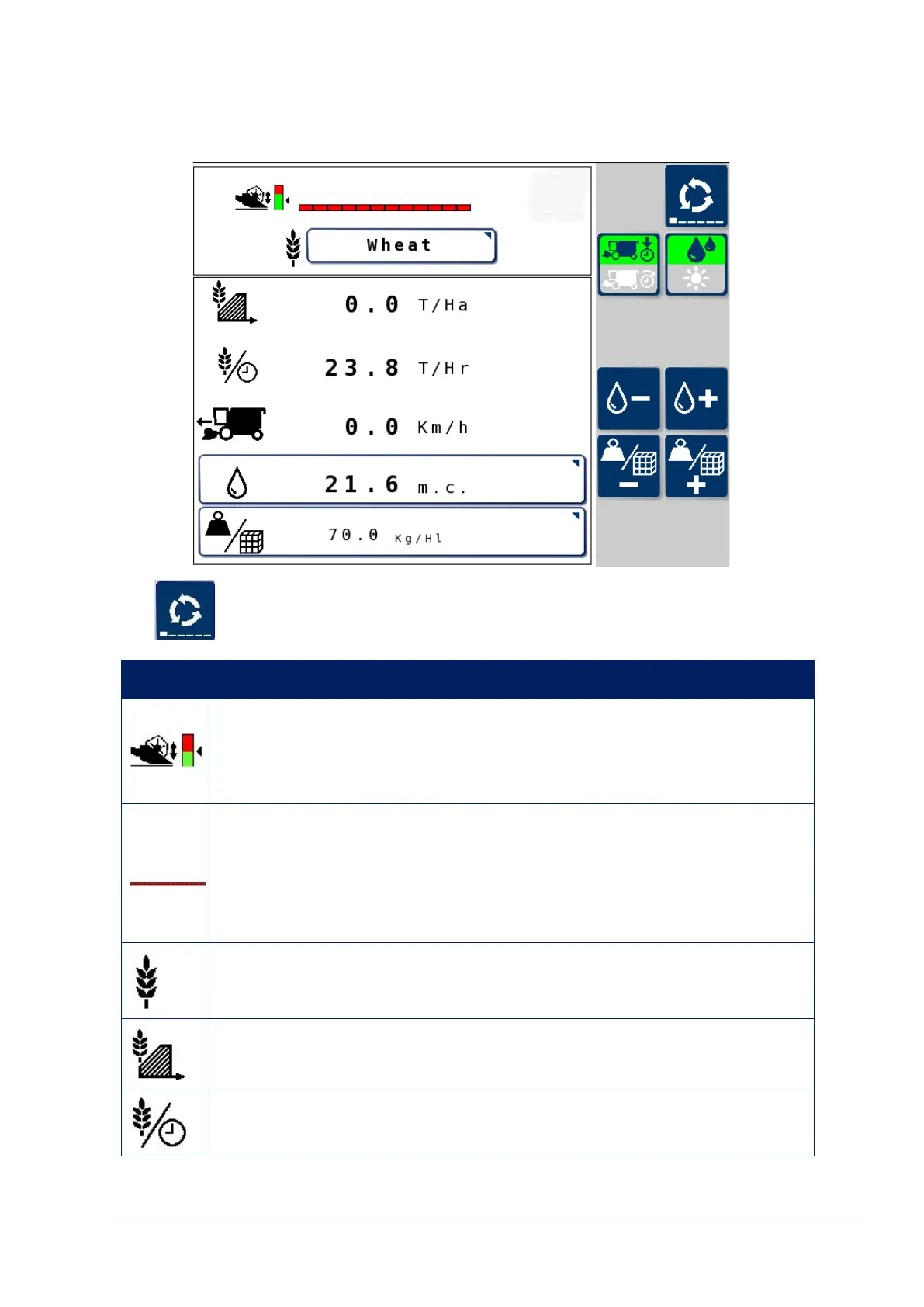
7.3. Main screen
The button is used to cycle through the YieldTrakk UT screens.
Icon Description
Header height cut out
Displays the header height at which data logging will stop.
Refer to Header setup screen, page 40.
Working width
This is set on the Header Setup screen, Width setting. See
page 40.
Once set, it is controlled by auto section control.
Crop type
Press to select the crop type.
Yield
Productivity (output) (mass/hour)



 To Next Page