22
5.3. Opening the yield monitor mini-view
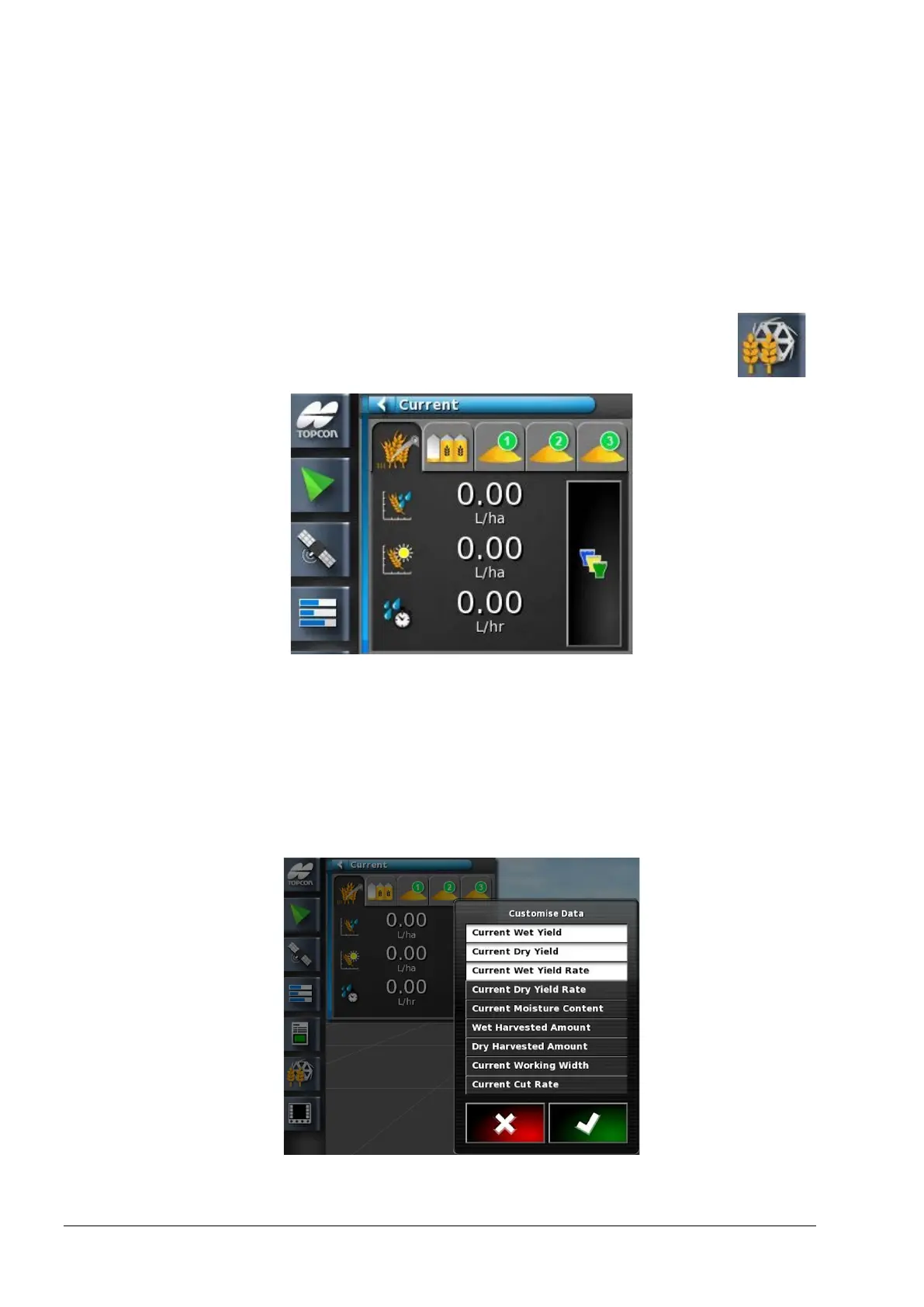
The yield monitor controller appears in a mini-view accessed via the
navigation bar on the left side of the operation screen.
Note: The figures displayed in the mini-views may also be shown via
the YieldTrakk UT screens. See page 33.
1. Select the Yield Monitor Controller to open a mini-view .
Use the mini-view to monitor yield data for current harvest, job totals
and sub-totals.
The information displayed may be customised.
2. Press the information area of the mini-view to display the options
available.
3. Deselect and select options as required.



 To Next Page