Chapter 5 – Console Controls
25
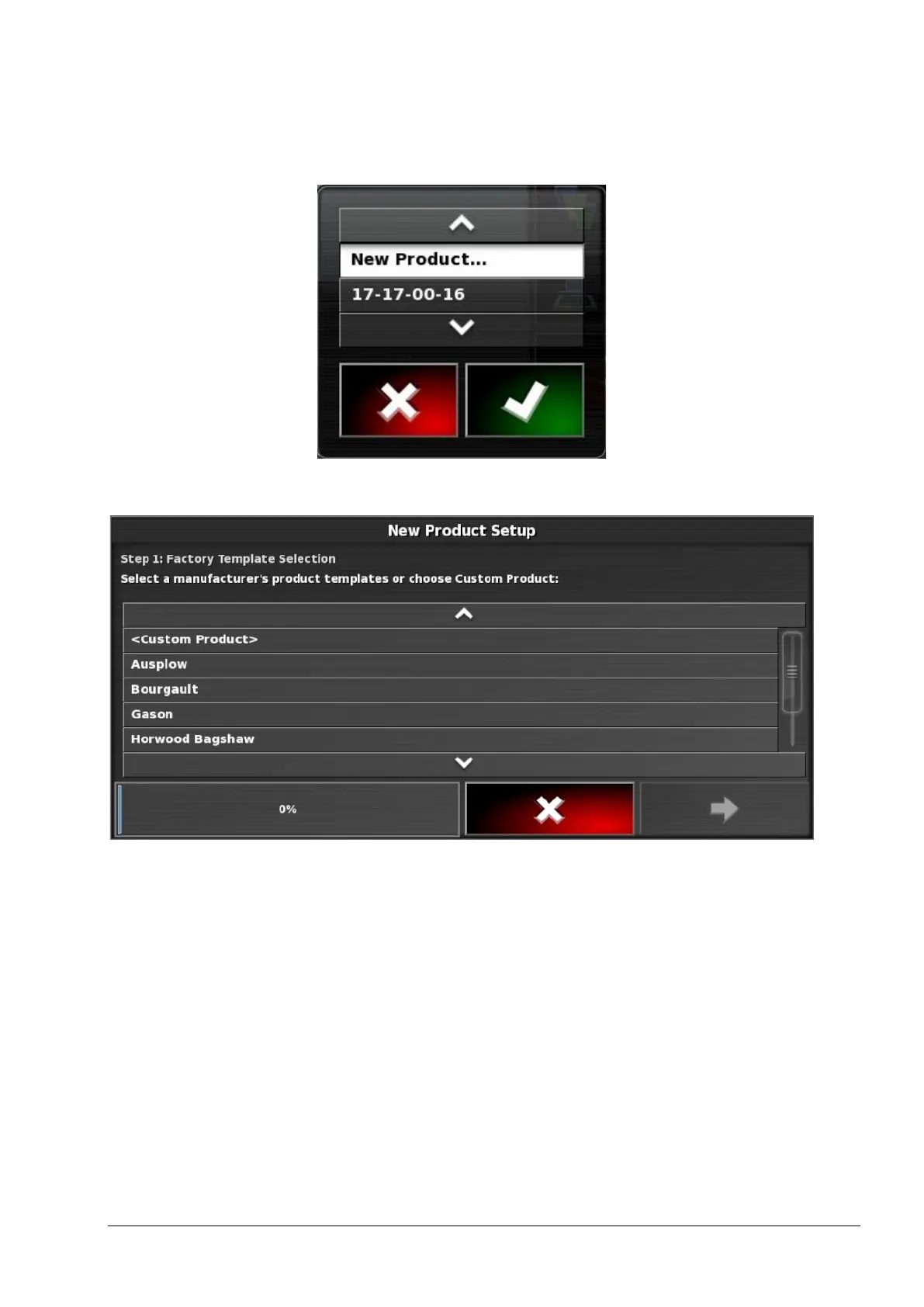
1. Select PRODUCT NAME to select a product from the list, or to
add a new product.
Selecting New Product opens the New Product Setup wizard.
Follow the wizard to add a new product. Custom Product may be
selected to create a new product from scratch, or a product template
may be selected from the list.
Note: The product rate settings defined below are not relevant for
yield monitoring.
• Product rate increment: Defines how much the application rate
will change when the operator presses the application rate
up/down button. The rate can be changed by a fixed rate or by a
percentage of the rate set for Product rate preset 1. To change
the rate increment type:



 To Next Page