Chapter 4 – Setting up a New Implement
13
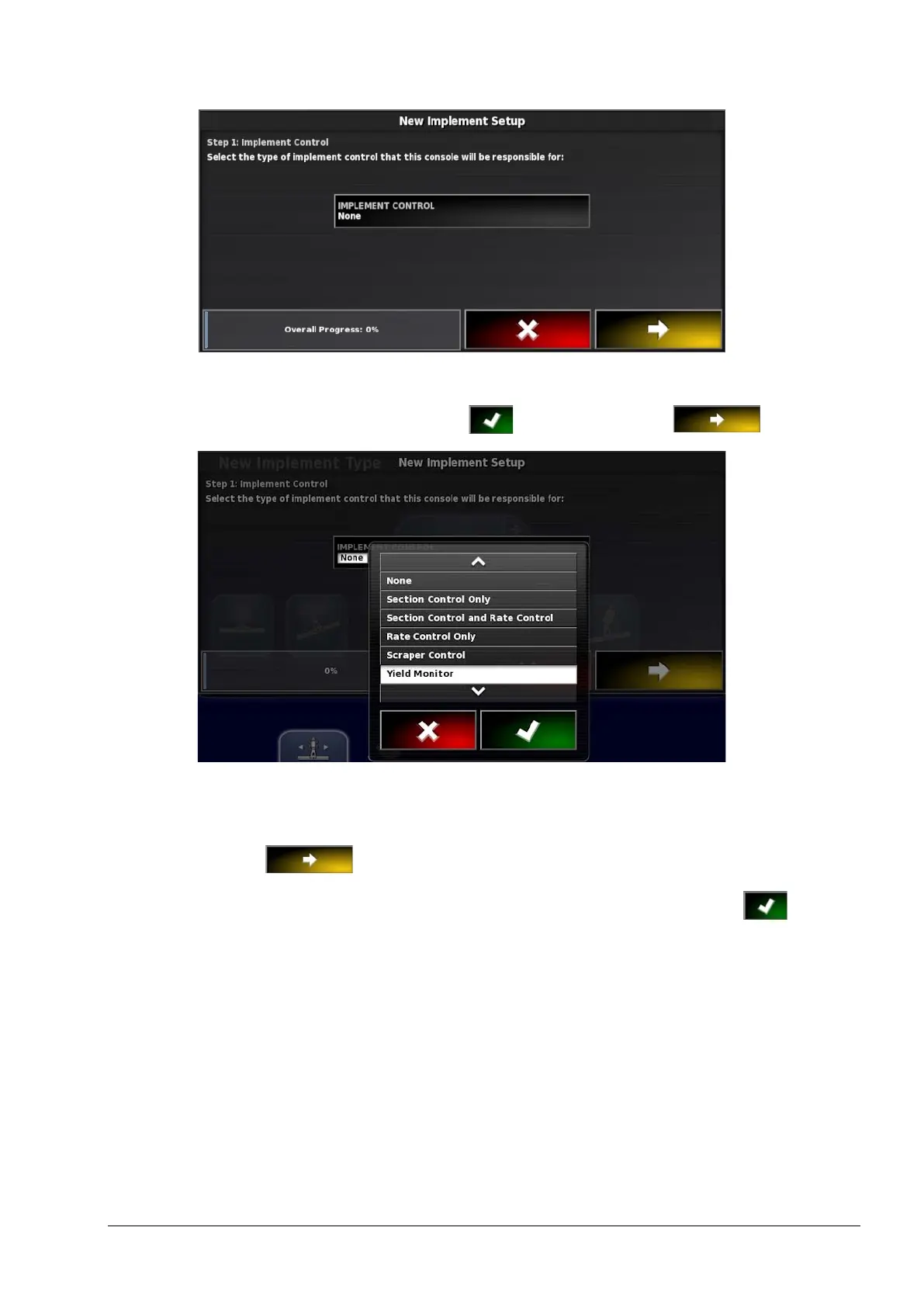
7. Select IMPLEMENT CONTROL.
8. Select Yield Monitor, confirm and select next .
9. Select YIELD MONITOR.
10. Select the required yield monitor (YieldTrakk – YM-1) and
select next .
11. When the screen shows that the setup is complete, confirm .
The console will restart.



 To Next Page