48
SETTING FUNCTIONS ON SETUP SCREEN
LAN CONNECTION (LAN)
LAN contains settings related to data input/output via LAN.
SPECIAL
SPECIAL is the mode for service engineer only; it can not be accessed.
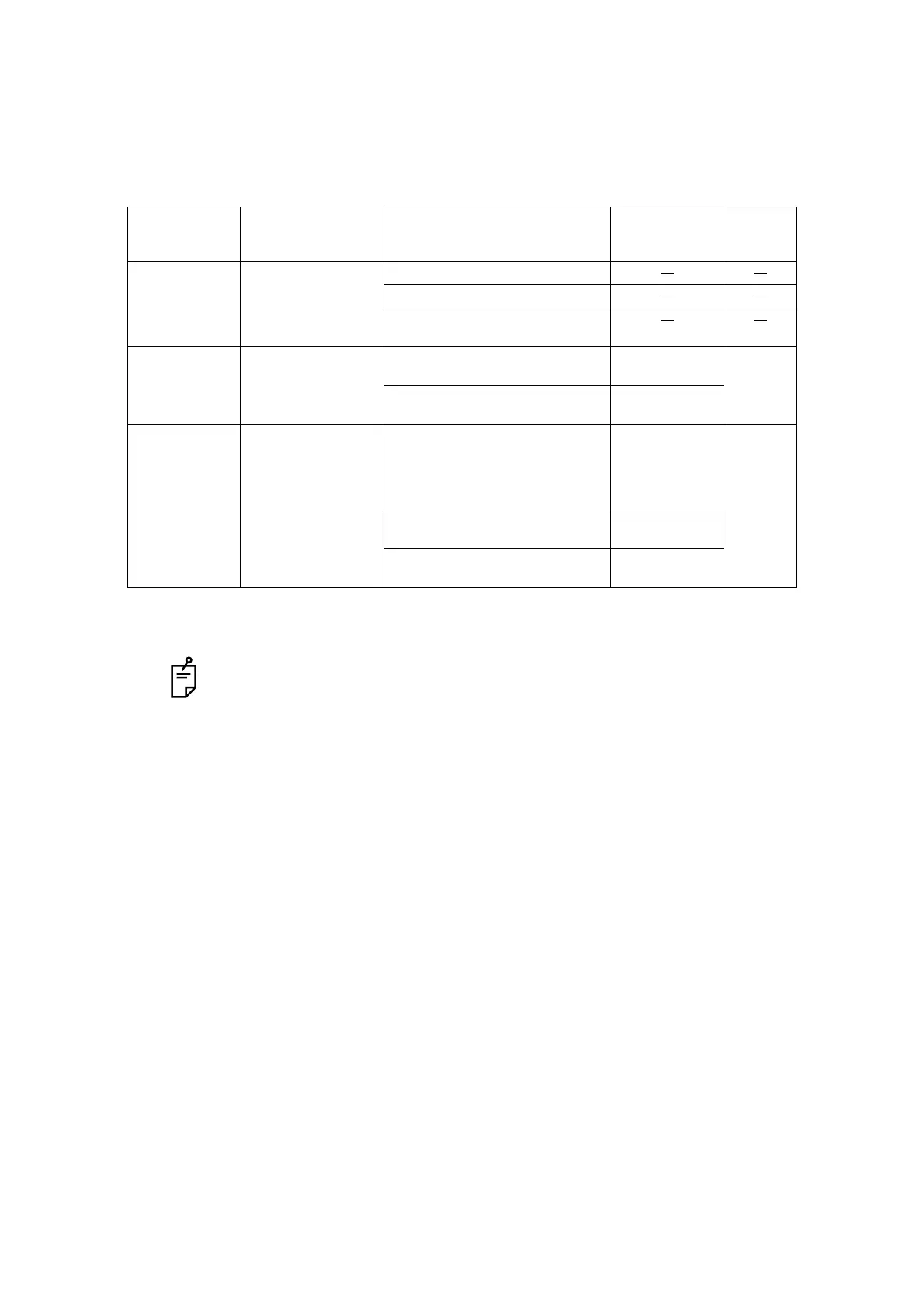
Descriptions Options button Contents of setup Display of
Setup icon/
Display of button
Default
IP ADDRESS INPUT Set the IP address of CL-300.
Set the subnet mask of CL-300.
Set the default gateway of CL-300.
• When not used, set 0.0.0.0.
SETTING1 INPUT Set the IP address of the PC to output
data.
Set the shared name of the PC to out-
put data.
SETTING2 INPUT Set the folder name of the PC to out-
put data.
• The holder name which can be set
up is in the directly under hierarchy
of a shared name.
Set the name of the user who makes
access to the PC to output data.
Set a password to make access to the
PC to output data.
For models without LAN function, LAN connection is not possible.



 To Next Page