32
USING THE INSTRUMENT
A:STEP MODE
Select and hold STEP button down, change to the A:STEP
button.
The axial angle is rounded to 5°.
It is convenient for inputting the result by doing measurement with the trial lens left in the
temporary frame.
For release, press the button long.
Return to the STEP button , the 5° rounding is reset.
UV TRANSMISSION MEASUREMENT
UV Transmission Measurement is available when the UV button is orange-framed .
If not orange-framed, tap the UV button and make it orange-framed.
1 Move the lens and move the target near the center.
2 ALIGNMENT OK is displayed when the target image center is within the smallest circle
(within 0.5 ).
3 MARKING OK is displayed when the target image center is reached.
4 Press the Memory button .
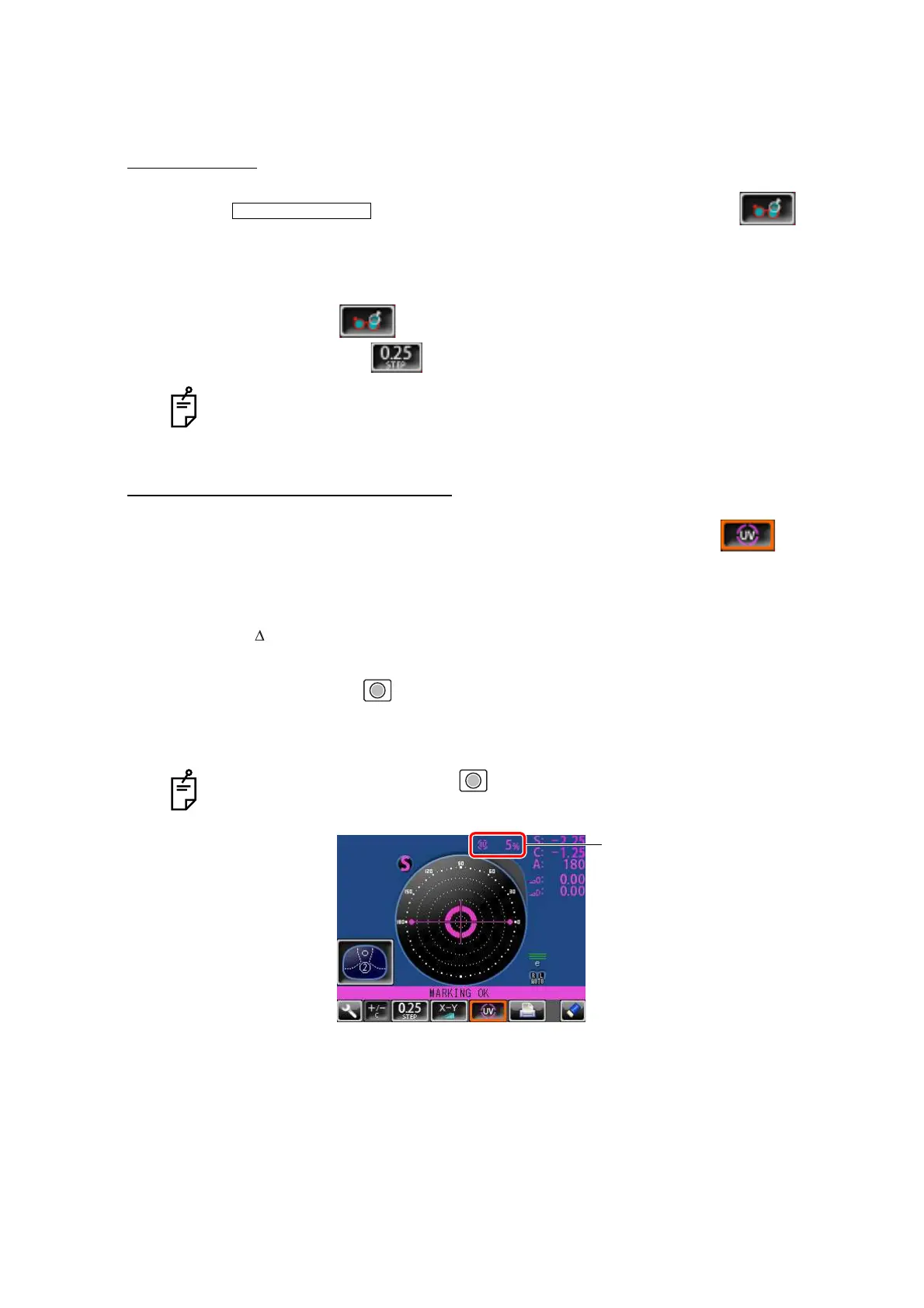
5 The SCA value is saved, and the UV transmission measurement value is displayed in a
few seconds.
STEP of the measurement value is the state before changing to the temporary
frame (A:step).
After pressing the Memory button , do not move the lens until an UV transmis-
sion measurement value is displayed.
INITIAL/A:STEP/5
UV transmission
measurement value



 To Next Page