33
USING THE INSTRUMENT
CORRECTING THE UV TRANSMISSION
If UV transmission is not 100% after removing the lens, perform correction.
1 Confirm that no lens is put on the lens support.
2 Press and hold the UV button.
3 When correction is finished, the buzzer beeps.
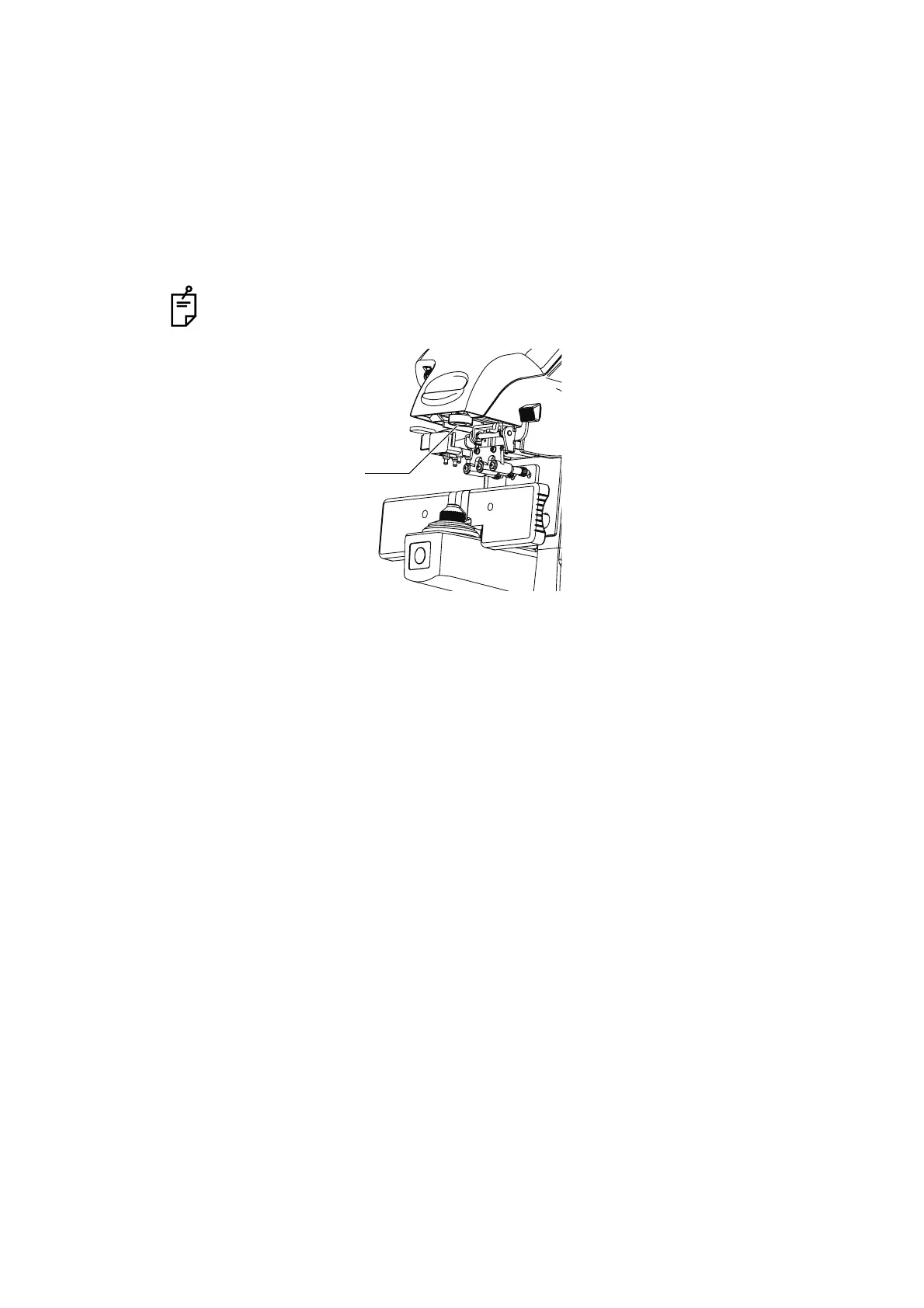
During the UV transmission measurement/correction, do not look into the LED
irradiation part.
LED irradiation part



 To Next Page