17
COMPONENTS
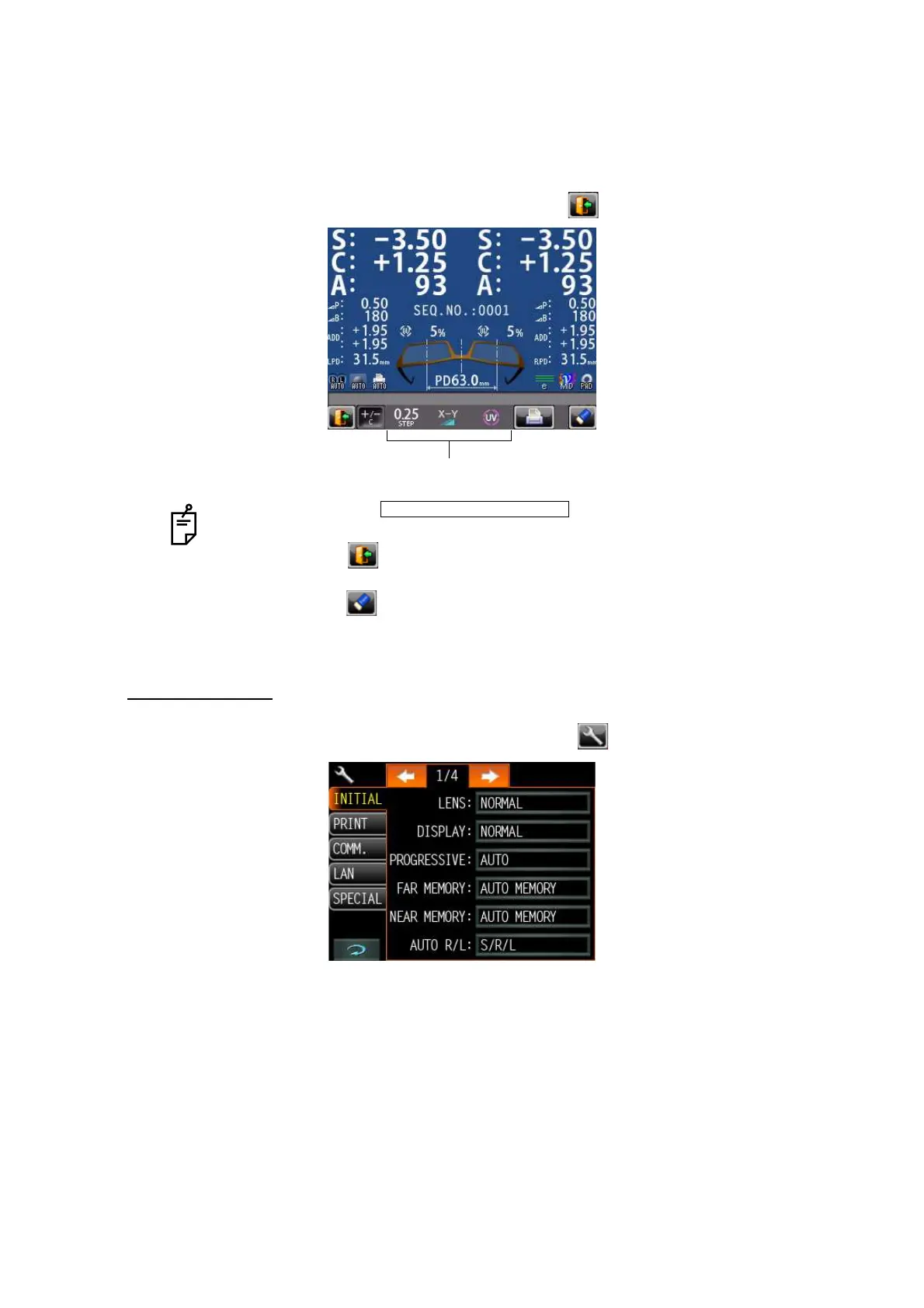
SCREEN PRINT DISPLAY: (WHEN ENLARGED)
For framed lenses, of which both R and L are memorized, pressing the PRINT button enlarges
the SCA of both eyes. To return to the original state, tap the button.
SETUP SCREEN
The Setup screen is displayed by tapping the Settings button on Measurement screen.
• When the setting is , printing is performed automat-
ically after saving the measurement value of both eyes.
• By tapping the button, the measurement screen is returned, leaving mea-
surement values as saved.
• By tapping the button, the measurement screen is returned, clearing mea-
surement values.
The button which is not allowed change.
PRINT/AUTO PRINT/ON



 To Next Page