34
USING THE INSTRUMENT
AXIS MARKING
(CARTRIDGE SPECIFICATION/STEEL NEEDLE SPECIFICATION)
Using the cartridge, one light touch to the lens can put a clear ink mark.
MARKING A LENS WITHOUT ASTIGMATISM
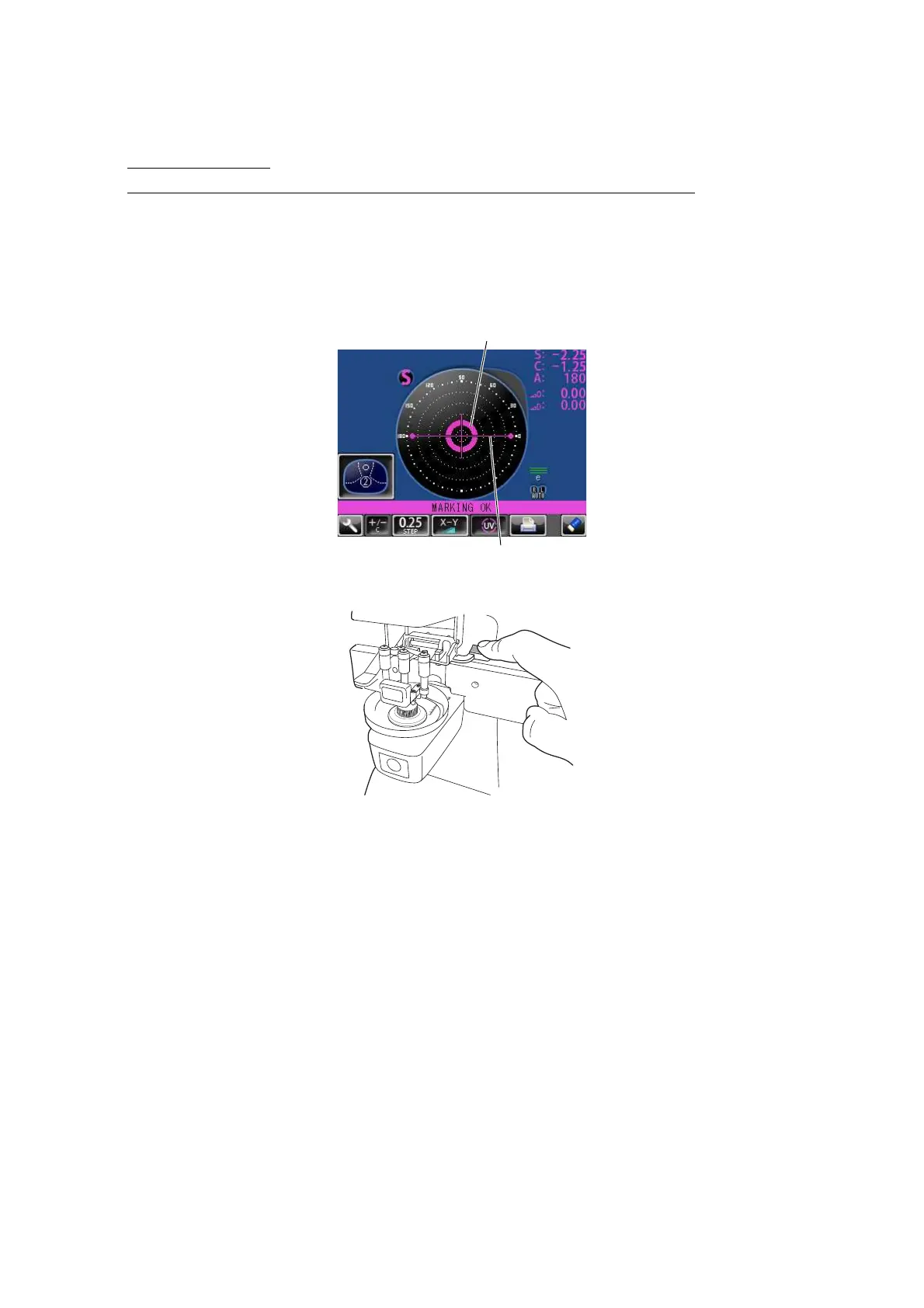
1 Move the lens until the centering mark coincides with the target image completely, and
MARKING OK will appear.
2 Depress the marking lever to mark the lens.
Centering mark
Line extends laterally to the target



 To Next Page