21
USING THE INSTRUMENT
USING THE INSTRUMENT
CHECKING BEFORE MEASURING
1 Check to see that there is no lens on the lens support.
2 Turn on the power switch.
3 Display will appear on the screen in a few seconds.
SETTING OF A LENS
A SINGLE LENS SETTING
1 Place the lens with the concave surface facing down on the lens support.
2 Lift and place down the lens retainer.
3 When holding a sharp-curve lens, provide your hand in case the lens falls.
A FRAMED LENS SETTING
1 Place the flamed lens on the lens support.
2 Turn the lens table lever and place the glass frame
against the lens table for measurement.
Alignment
Right and left....Place the frame against the lens
table, and move the frame right
and left finely.
Vertically ..........Move the table finely with the
lens table lever.
3 Lift and place down the lens retainer.
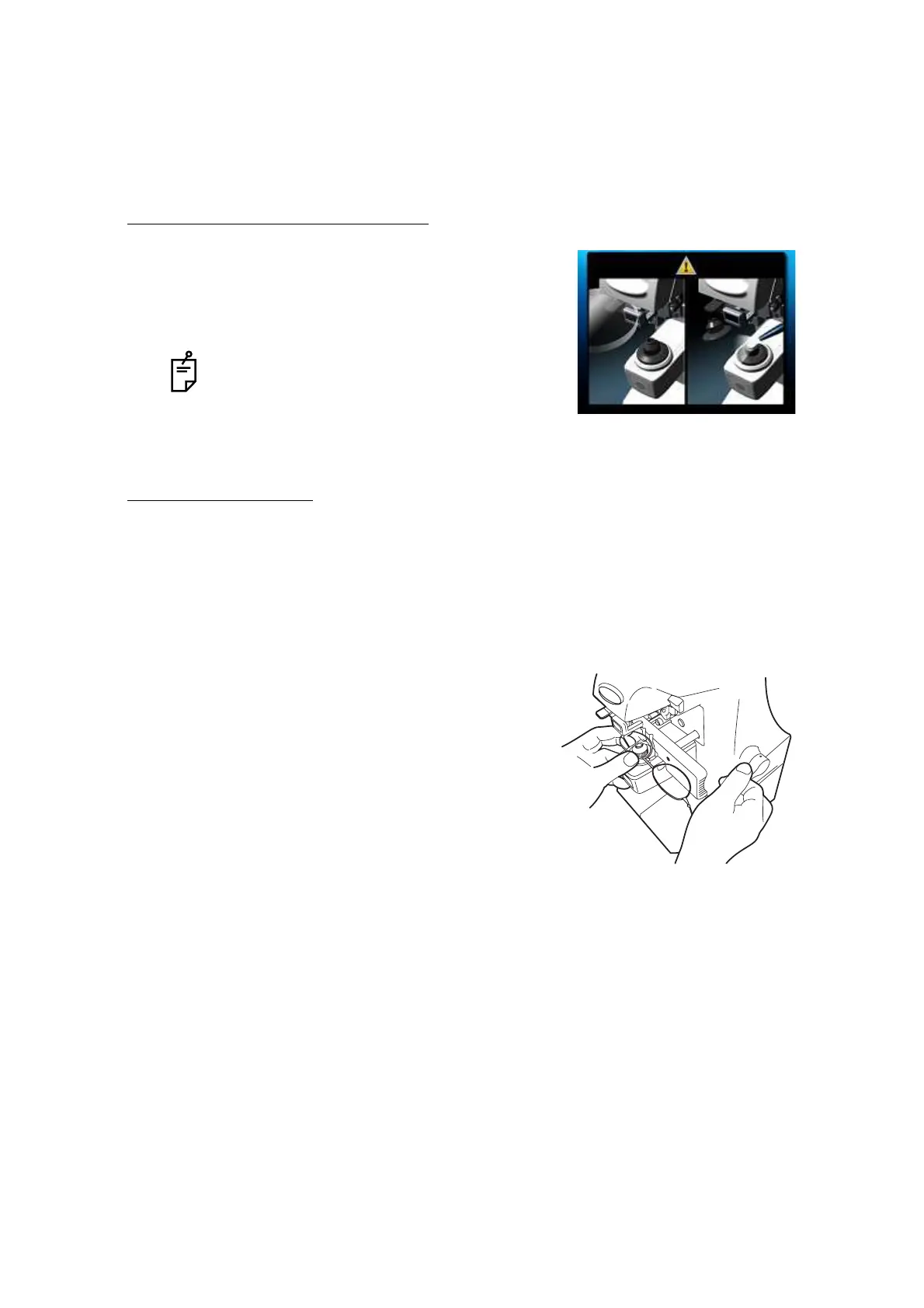
The ERROR screen will appear when there is a
lens left on the lens support or dust left on the
cover glass. Remove the lens or dust.
By tapping the screen, the error screen is cleared.



 To Next Page