37
USING THE INSTRUMENT
PRINTING ADDITIONAL TEXTBOX (WITH PRINTER SPECIFICATION)
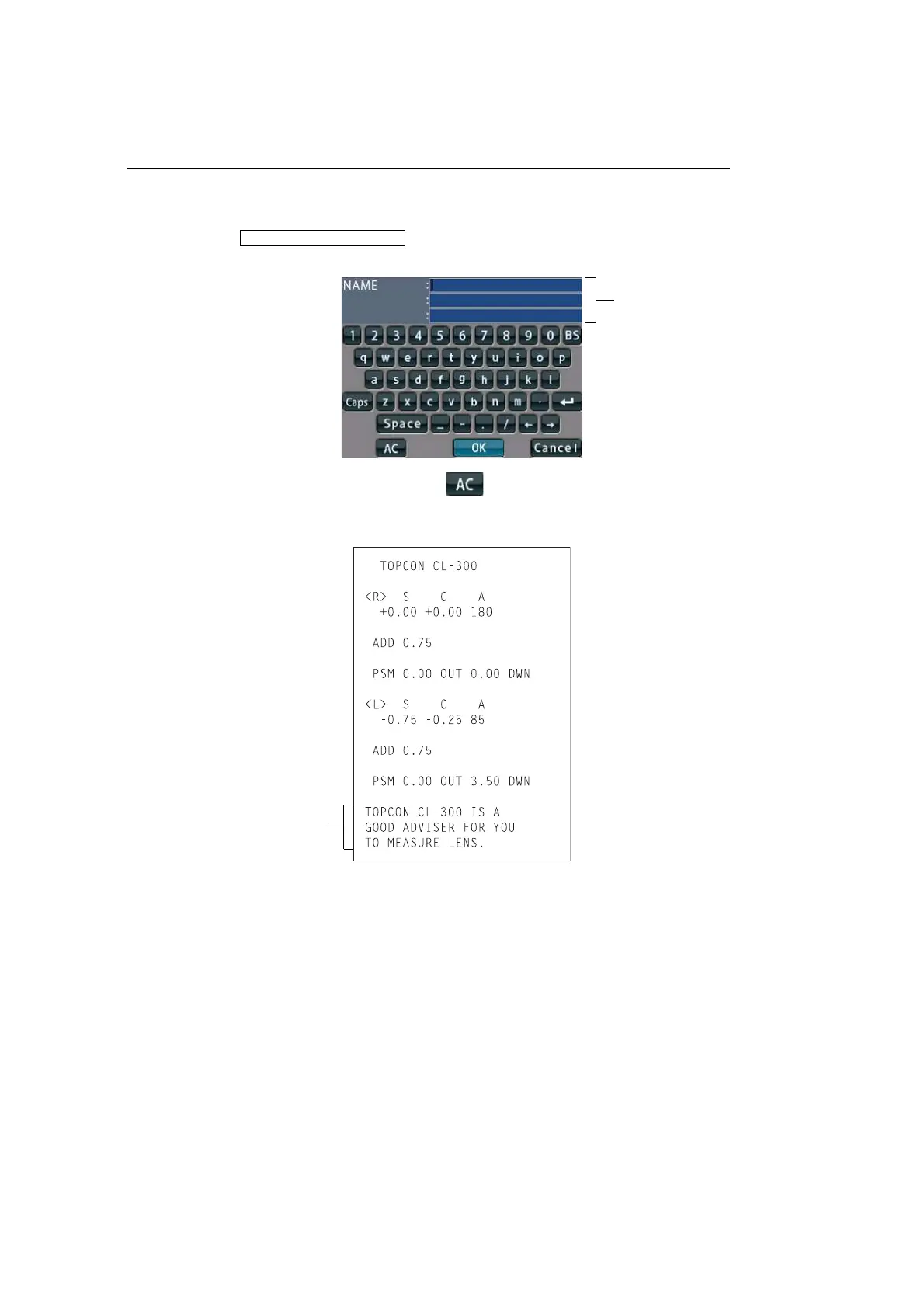
On the print out with the measuring data, the user can input his own text, like office name,
address or special message. The available space is three line of 24 characters each.
Tap the .
Text enter screen will appear.
Tap the desired enter window, tap the button and input with keyboard.
Setting is completed by tapping the OK button.
PRINT/NAME/INPUT
Enter window
Printing the
additional textbox
Printout



 To Next Page