38
USING THE INSTRUMENT
SETTING A SEQUENCE NO.
Setting is carried out when writing a sequence No. on printing paper and transferring the
serial No., using RS-232C.
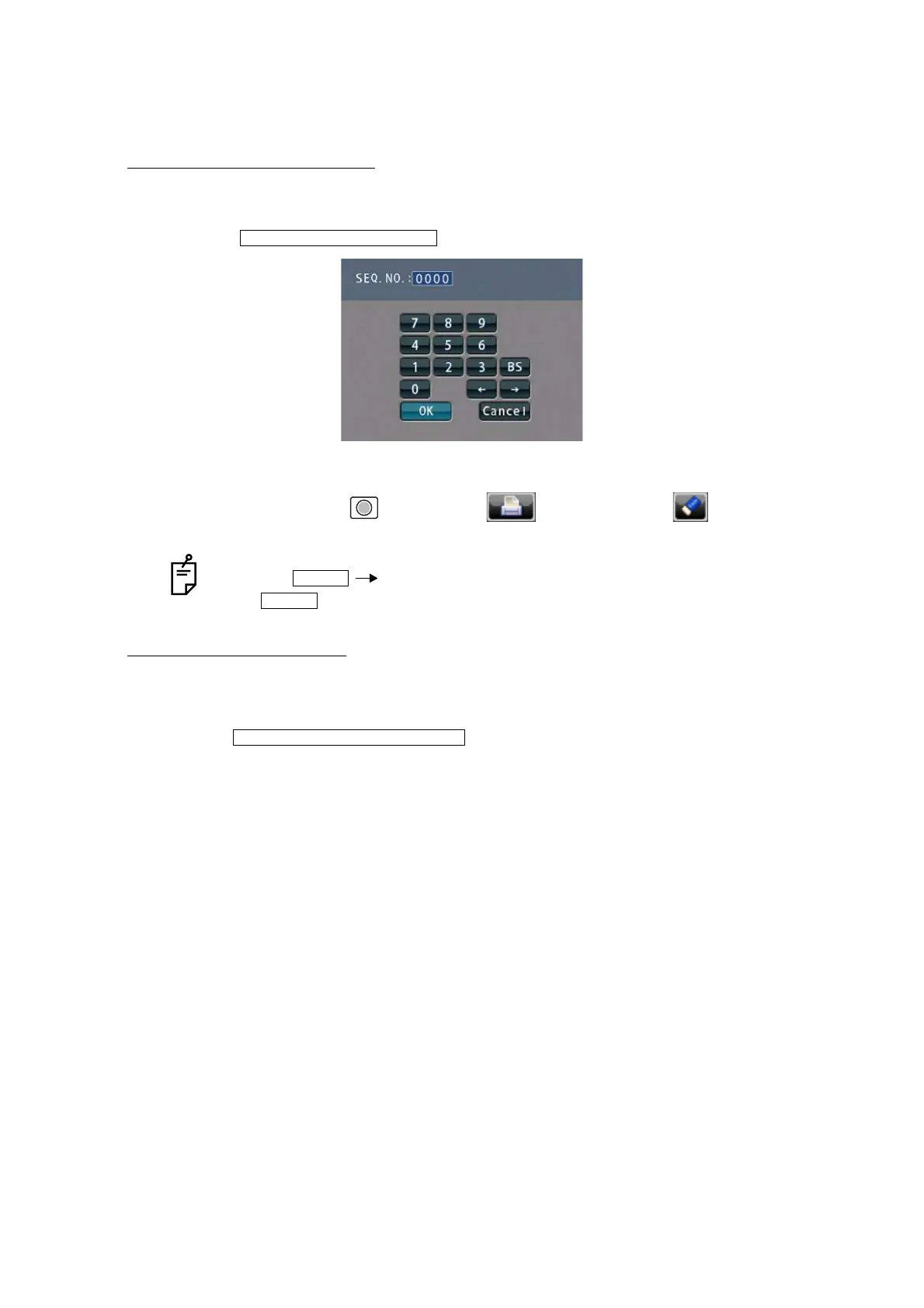
Tap the , and the screen as shown below will appear.
Enter numerals and fix by tapping the OK button.
No printing or counting is carried out in case of 0000.
Press MEMORY button , PRINT button and CLEAR button in this order,
and counting will be carried out. (except for single lens).
LENS PROTECTION PAD
The attached lens protection pad allows a soft contact with the measuring lens.
1 Fit the lens protection pad according to the instructions.
2 Select , and the measurement result will be automati-
cally compensated.
If the OK button is tapped without filling all 4 digits, the empty digit is saved as "0."
Example) OK
is saved.
INITIAL/SEQ.NO./INPUT
1 2
0 0 1 2
INITIAL/LENS/NORMAL(PAD)



 To Next Page