35
USING THE INSTRUMENT
MARKING A LENS WITH ASTIGMATISM
• Axis marking, maintaining the axis as prescribed
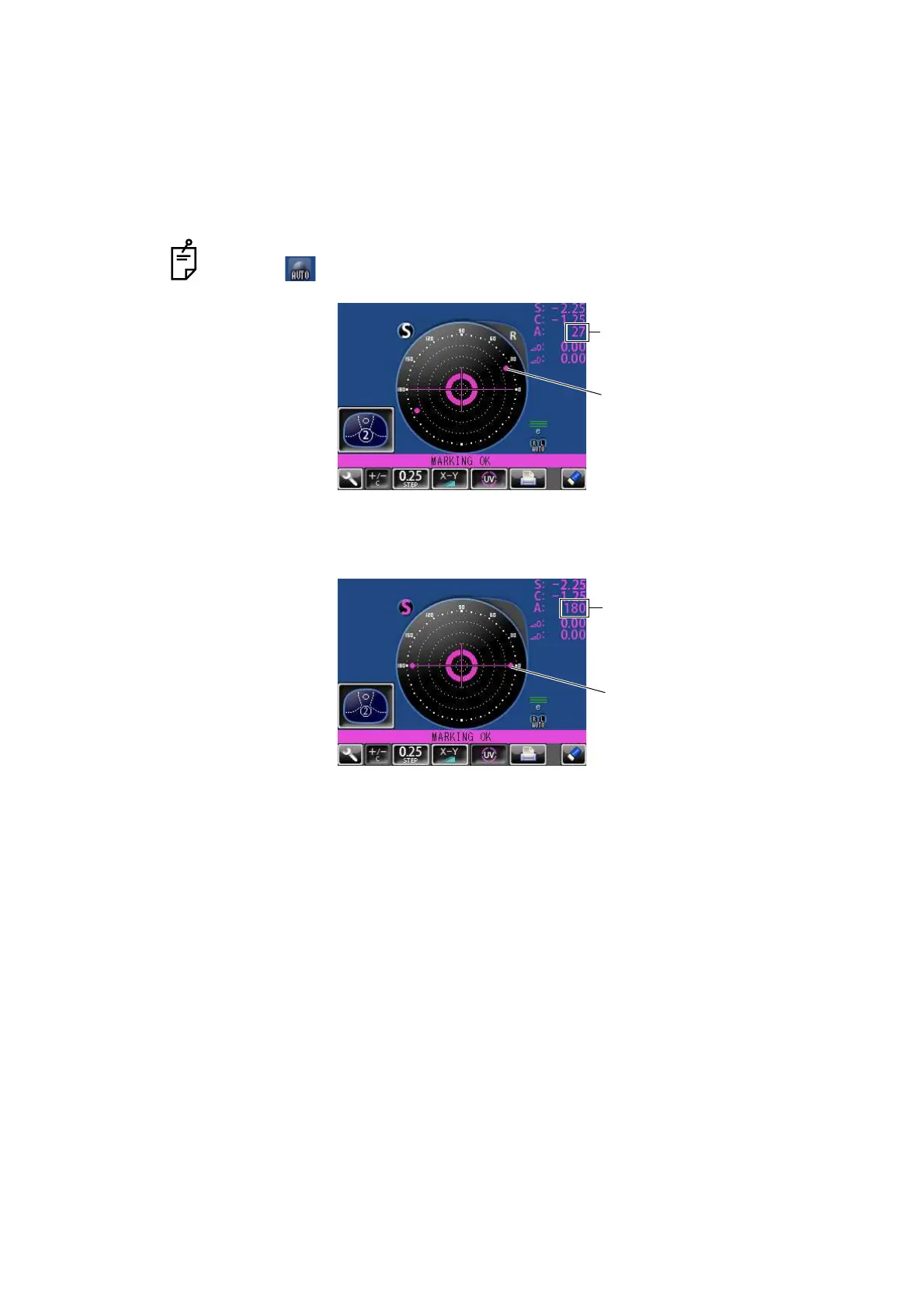
Align the target image with the center mark, approximating the axis angle mark to the angle as
prescribed. Finally, adjust by the numerical display of axis angle A:.
• Marking a cylindrical axis
Match the center mark with the target image, approximating the axis angle mark to 180
degrees.
Adjust A of the axis angle to 180 degrees.
Before performing alignment, set auto memory to off.
Confirm is not displayed at the setup icon.
Axis angle mark (every 5°)
Check here
Axis angle mark (every 5°)
Adjust to 180°.



 To Next Page