16
COMPONENTS
RESULT DISPLAY
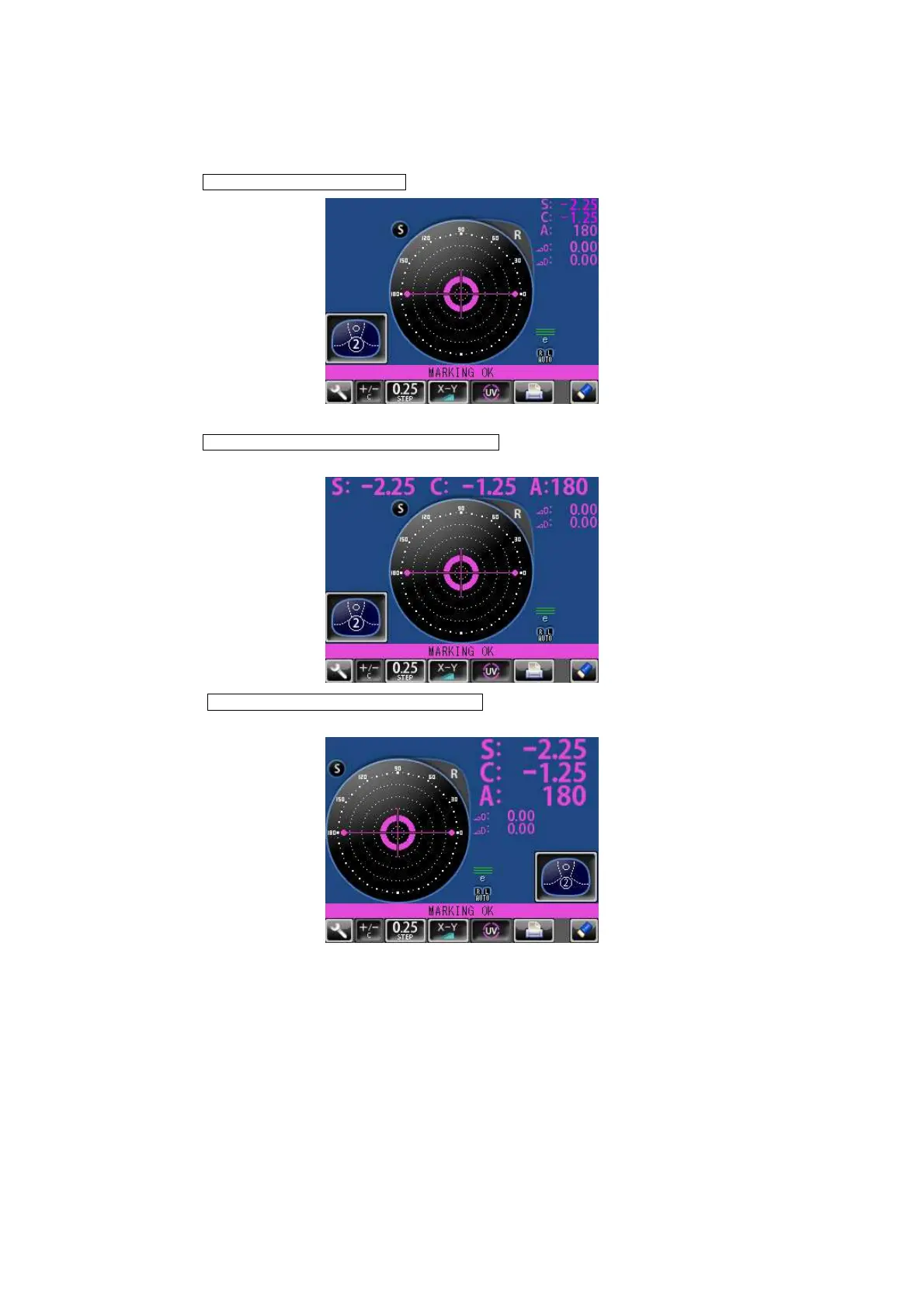
When is selected, the display is normal.
When is selected, the SCA display is horizontally
enlarged.
When is selected, the SCA display is vertically
enlarged. The graphic moves to the opposite side.
INITIAL/DISPLAY/NORMAL
INITIAL/DISPLAY/HORIZONTAL LARGE
INITIAL/DISPLAY/VERTICAL LARGE



 To Next Page