50
MAINTENANCE
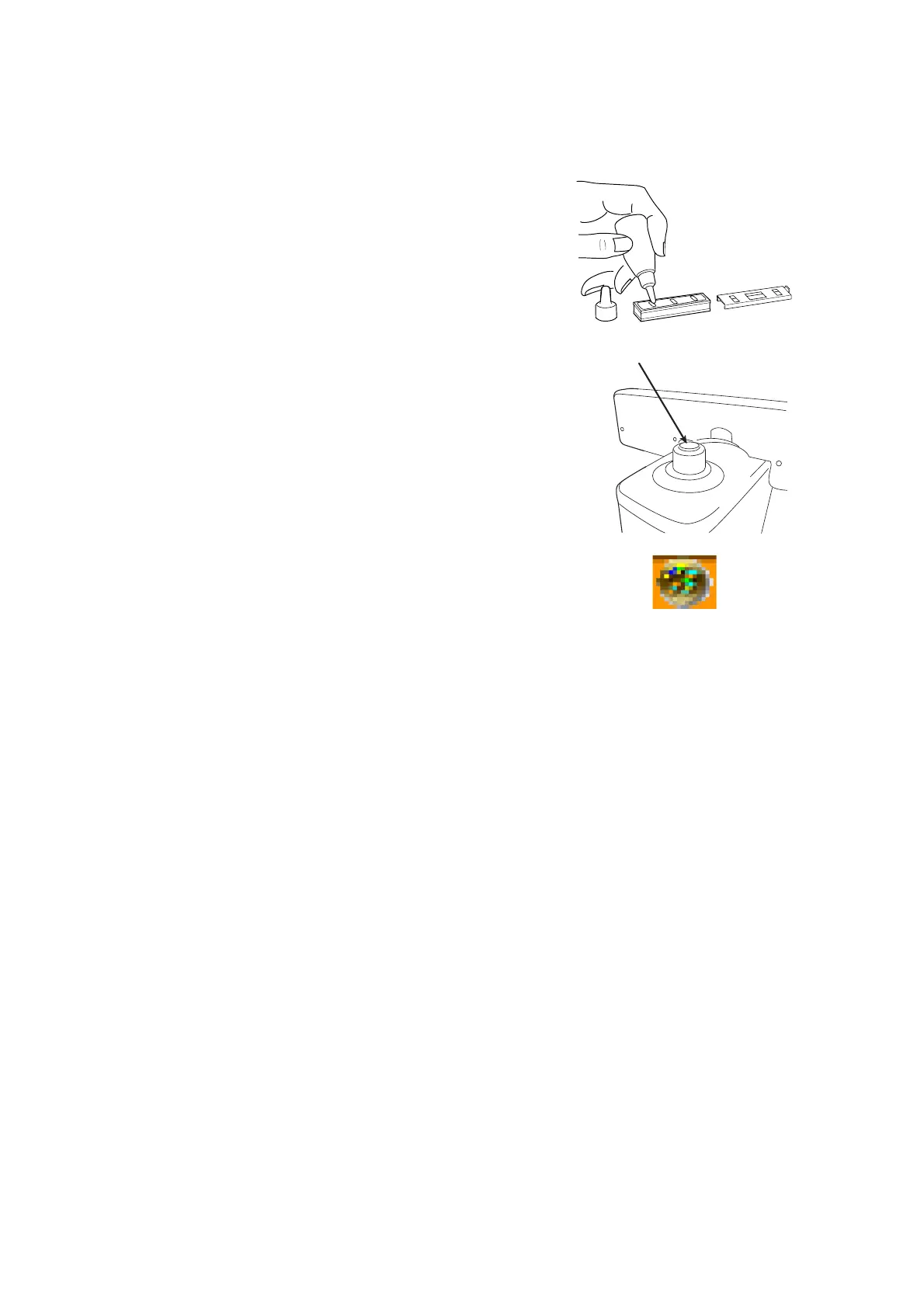
SUPPLY OF INK FOR THE OPTIONAL STEEL NEEDLE
1 Replenish ink when poor marking happens.
2 Slide laterally and pull out the inkpot.
3 Slide off cover from the inkpot.
4 Infiltrate supply ink into the sponge well.
CLEANING COVER GLASSES
If the glass is dirty as indicated by arrows, it will affect
measurement accuracy adversely. If this occurs, clean
them with the attached silicon cloth.
Remove the lens support before cleaning the cover glass.
If the mark illustrated right appears at the lower part on
the screen, it means that the cover glass is dirty.
Carry out the following operation;
1 Wipe off the cover glass for cleaning.
2 Press CLEAR and TRANS buttons simultaneously and the instrument will restart. If the
measurement screen appears, continue the operation.
CLEANING THE INSTRUMENT
1 Wipe cover with damp cloth at regular interval. Never use cleanser or other chemicals.



 To Next Page