26
USING THE INSTRUMENT
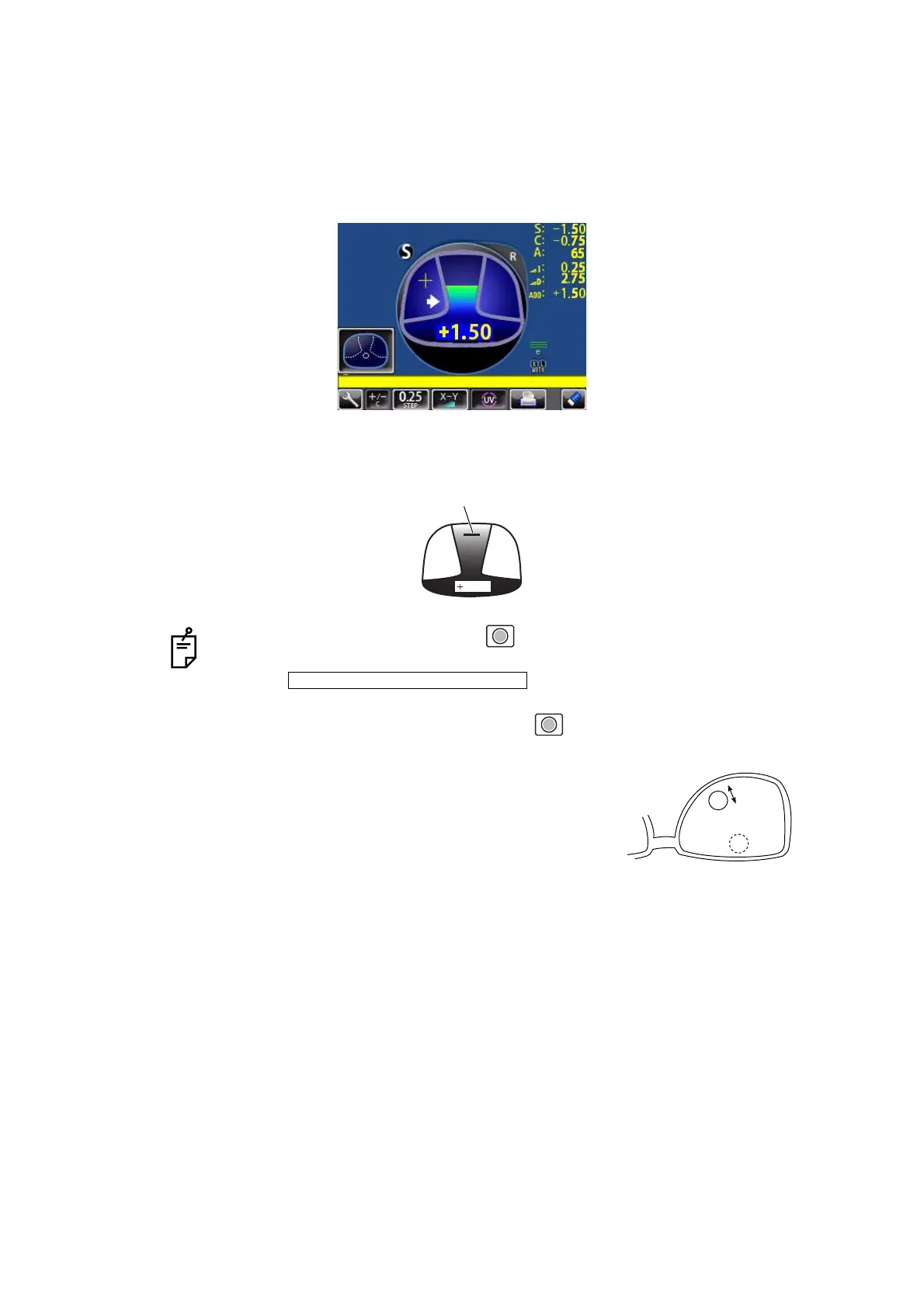
6 The condition illustrated below indicates that a position outside of the progressive zone is
being measured. Move the lens in the direction of the arrow to bring the "+" into the center
of the progressive zone.
7 The “+” becomes larger as it comes closer to the near vision position.
8 The ADD power is saved, the progressive lens measurement is completed.
• By pressing the MEMORY button , you may manually store the result of
near vision power measurement.
When is selected as the default setting, the
result of the near vision measurement is not automatically stored. With this set-
ting, you must press the MEMORY button to save the near vision.
• When measuring a lens mounted in a large frame,
the ADD power may be higher because some lenses
increase the ADD power at a position below the near
vision region. Accordingly, if the lens is measured at
a point lower than the near vision eye point, the ADD
power reading may be higher. If you want to know
the accurate prescription, it is advisable to check the
measurement position at the hidden mark.
1.42
Knock-out black
INITIAL/NEAR MEMORY/OFF



 To Next Page