13
COMPONENTS
BUTTON NAMES
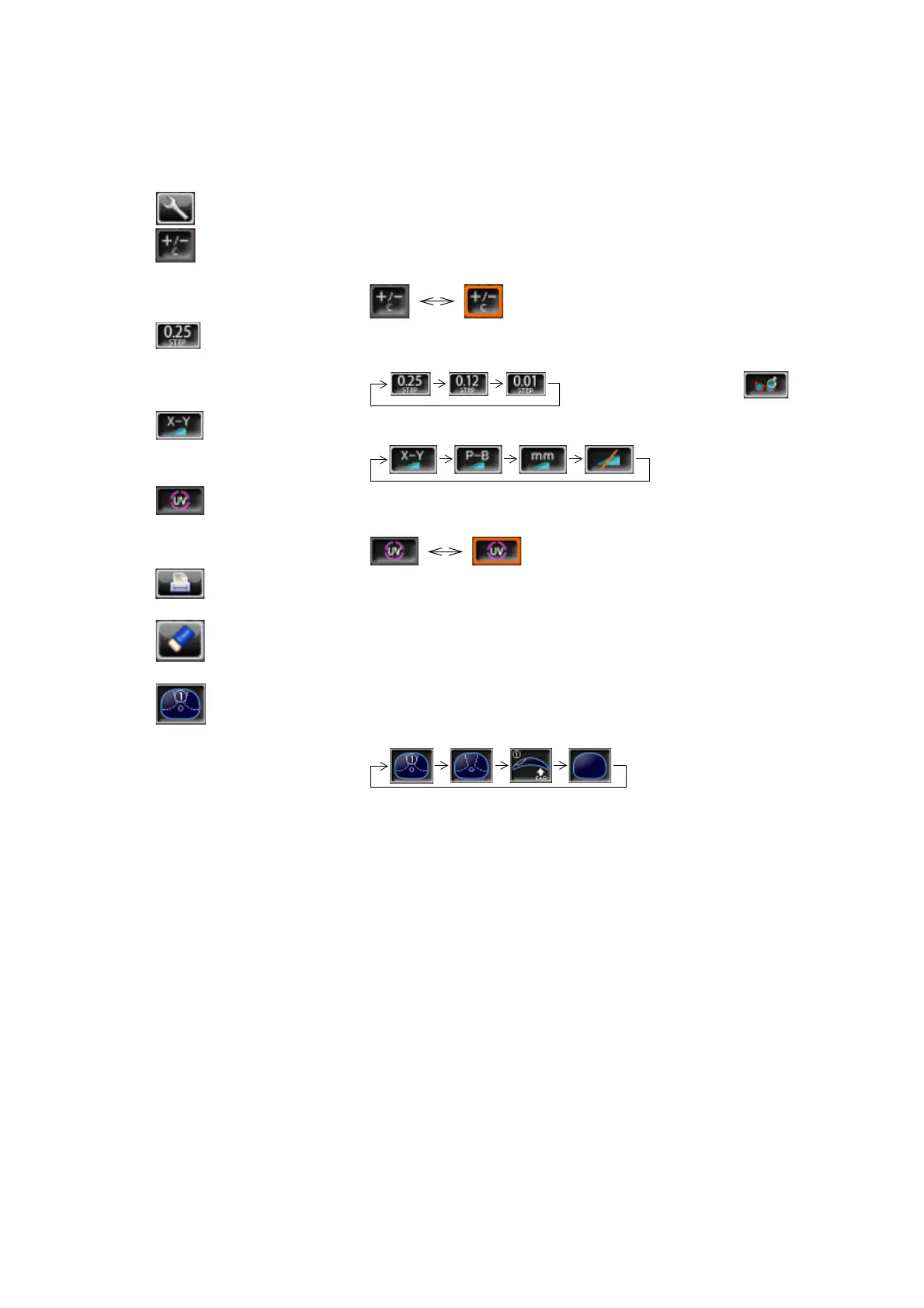
Settings button Displays the SETUP screen.
+/- button Used to change the degree (performed when an orange frame
is displayed).
STEP button Used to change the step of measurement value.
(Press it long time for A:step setting.)
Long button press:
Prism button Used to change the prism display.
UV button Used to change ON/OFF of UV measurement.
(performed when an orange frame is displayed).
PRINT button Press to obtain a print out readings.
Press to output data trough RS-232C.
CLEAR button Used to delete all data in memory.
To delete R and L separately, hold the button down.
Measurement mode button
Used to change the setting of measurement mode.



 To Next Page