23
USING THE INSTRUMENT
MANUAL SAVING:
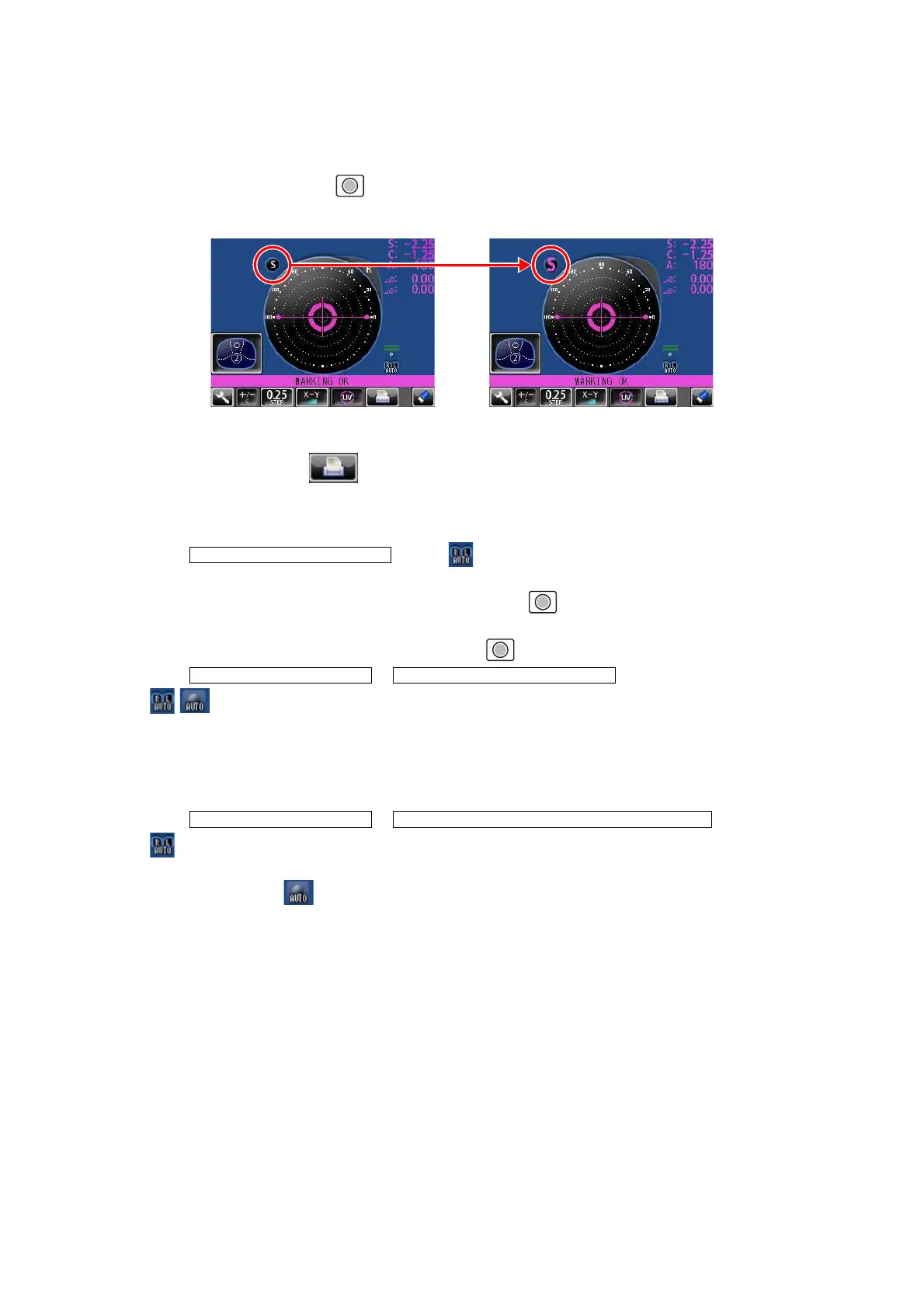
Press the Memory button . The flicker-zooming “S” stops at the zoomed-up state and the
color is changed. (When R/L is displayed, R and L are changed.)
• When printing
Tap the PRINT button . When connecting with computer, data is transmitted.
MEASURING A FRAMED LENS
• When is set. ( is not displayed):
Tap the R button.
First align the right lens and press the Memory button .
Tap the L button.
Align the left lens and press the Memory button .
• When & is set.
( are displayed):
*Measurement of framed lens.
First, align the right lens to display “MARKING OK”. Then the result is automatically memo-
rized, when the right lens is hold.
Removing the right lens will automatically move to the L measurement.
Align the left lens, then the result is automatically memorized, when the left lens is hold.
• When & is set.
( are displayed):
*Measurement of single lens/framed lens
Tap the R button. ( is displayed)
At first, align the right lens to display "MARKING OK". Then the result is automatically memo-
rized, when the right lens is hold.
Removing the right lens will automatically move to the L measurement.
Align & hold the left lens. The result is automatically memorized.
INITIAL/AUTO R/L OFF
INITIAL/AUTO R/L / R/L INITIAL/AUTO MEMORY/ON
INITIAL/AUTO R/L/ R/L INITIAL/AUTO MEMORY/ S:OFF R/L:ON



 To Next Page