48
PREPARATIONS
SETTING DATE/TIME
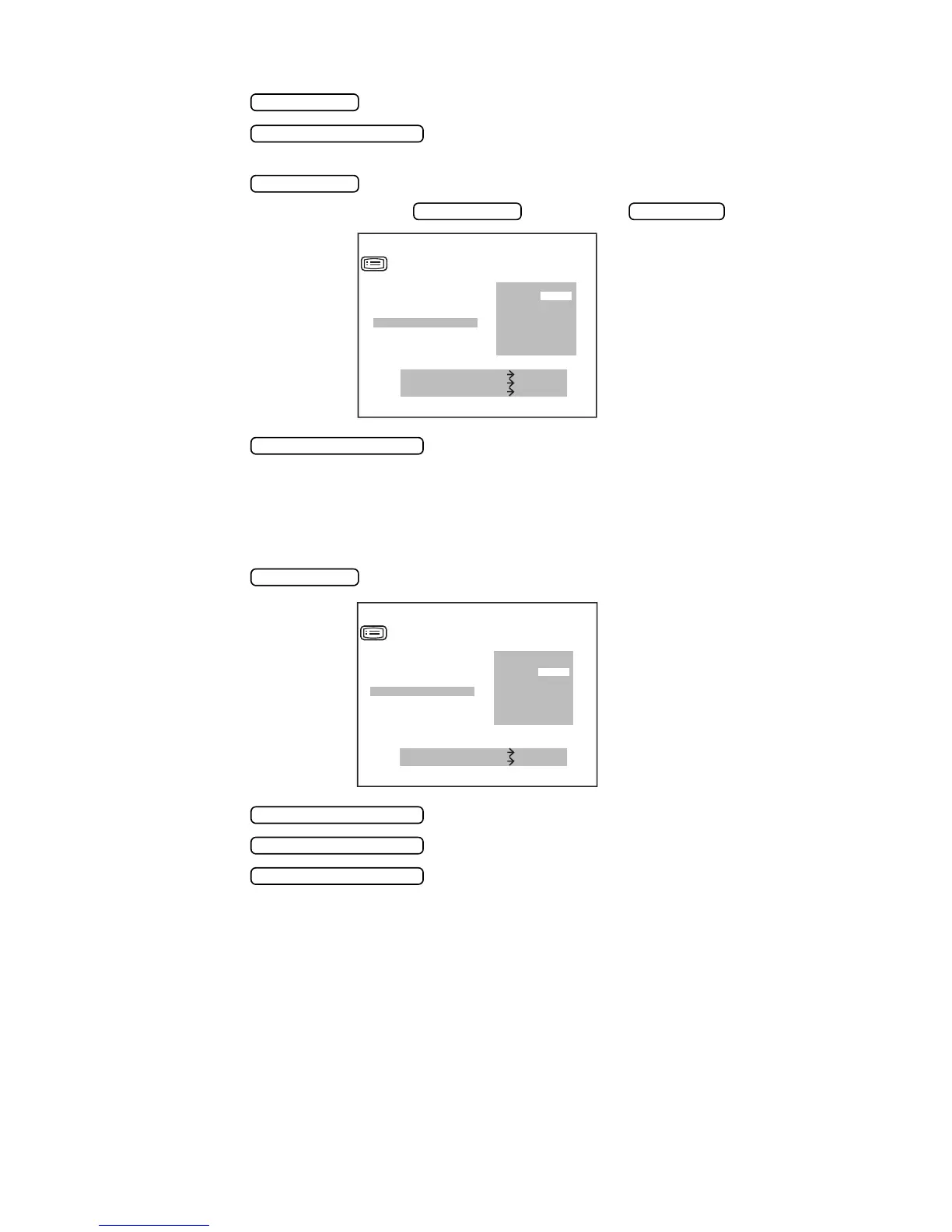
1 Press the of the control panel and get the “SETTING MENU SCREEN”.
2 Press the and invert “DATE/TIME”.
The date/time is displayed on the right.
3 Press the and invert the desired item.
Change figures by pressing the (increase) or (decrease).
4 Press the ,and the cursor moves to the next item(D/MM).
SETTING D/MM (Only in KR-8800)
The unit of cornea measurement result displayed on the monitor screen can be selected from
D (refractory power) or MM (curvature). Before shipment, the setting is MM (curvature).
1 Press the and get the menu screen.
2 Press the and invert “D/MM”.
3 Press the and invert the unit of measurement result to be set.
4 Press the ,and the cursor moves to the next item(HV/R1R2).
MENU SWITCH
MEASUREMENT SWITCH
PRINT SWITCH
MENU SWITCH IOL SWITCH
HOUR PM01
DAY 01
MIN 20
SEC 00
SETTING MENU
YEAR 2003
MONTH 01
IOL SWITCH DOWN
MENU SWITCH UP
MEASURE SWITCH ITEM
VD
CONT.MEAS.
OUTPUT DATA
ADD
DATE/TIME
MEASUREMENT SWITCH
MENU SWITCH
MEASURE SWITCH ITEM
PRINT SWITCH SELECT
CONT.MEAS.
OUTPUT DATA
ADD
DATE
/
TIME
D
/
MM
MM
D
SETTING MENU
MEASUREMENT SWITCH
MEASUREMENT SWITCH
MEASUREMENT SWITCH



 To Next Page