22
PREPARATIONS
PREPARATIONS
POWERING ON
1 Connect the power cable.
2 Turn ON the POWER switch.
HOW TO RECOVER FROM THE POWER SAVING STATE
Slit lamp is into the power saving state when approximately 30 minutes have passed since the slit lamp
was last used, and the slit illumination light becomes darker. The pilot lamp is blinking in orange during
the power saving mode.
1 Press the photo switch or swing the base widely from side to side.
2 Check that the illumination light is lighted by rotating the brightness adjustment knob.
ADJUSTING THE DIOPTER AND PUPILLARY DISTANCE (PD)
In case that no test rod is provided, set the diopter scale to your diopter by turning the diopter adjust-
ment ring.
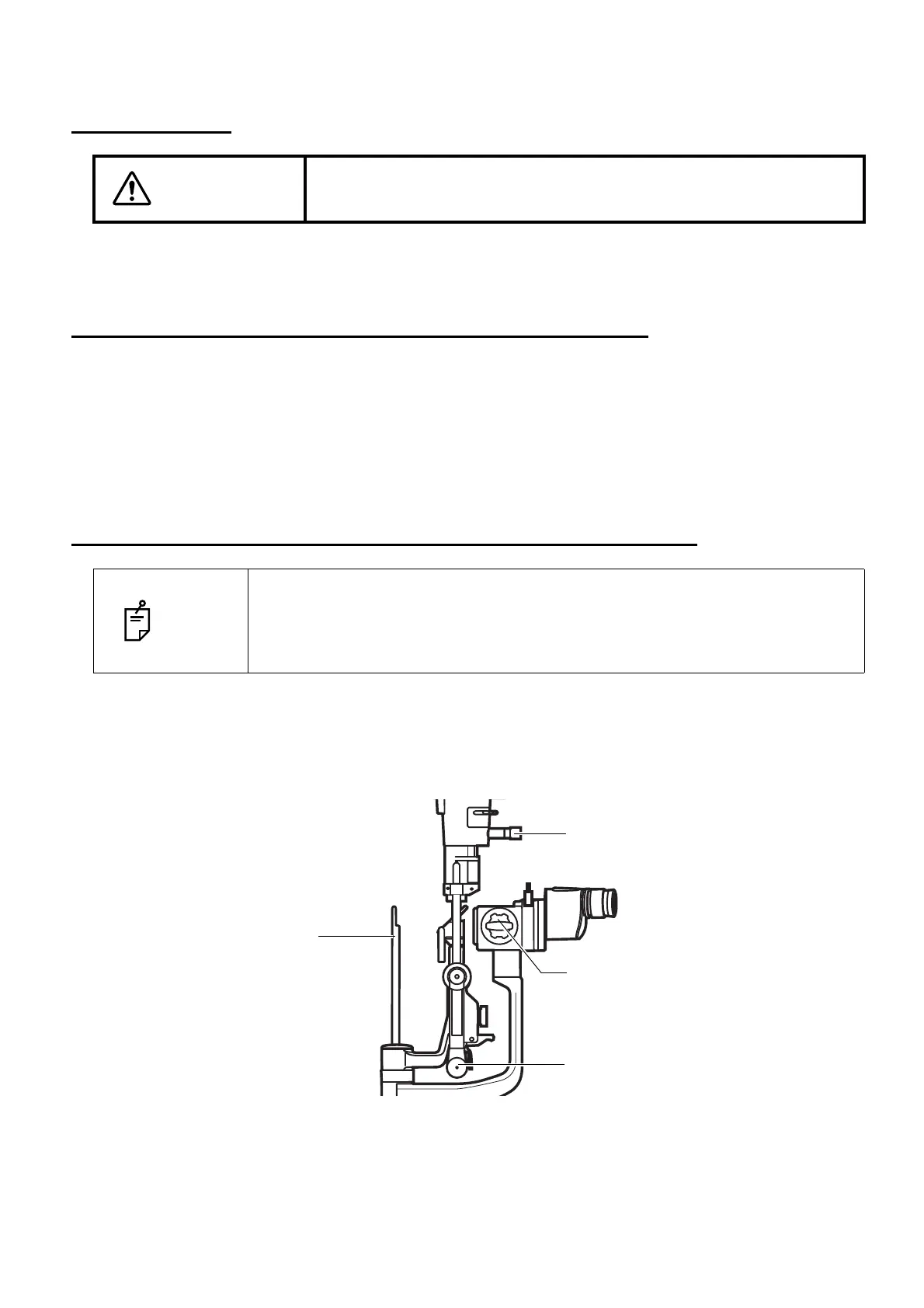
1 Insert the test rod into the rotation shaft cavity, and set the black face square with the micro-
scope.
2 Set the eyepiece with scale to the non-dominant eye side.
3 Turn ON the POWER switch, and place the brightness adjustment knob in an intermediate posi-
tion.
WARNING
To avoid fire and electric shock in case of leakage, be sure to use a
grounded outlet. Do not connect to outlets that are not grounded.
NOTE
• To ensure sharp observation of slit images, always carry out the diopter and
PD adjustments.
• The illumination light brightly shines for a moment immediately after powering
on.
Test rod
Magnification selector handle
Slit adjustment knob
Aperture/slit-length selector knob



 To Next Page