36
MAINTENANCE AND CHECKUPS
TROUBLESHOOTING
TROUBLESHOOTING GUIDE
If you suspect a problem, check the possible cause by means of the check list below.
If the check list below does not solve the problem, or if the problem is not included in the list, contact
your dealer or TOPCON (see the back cover).
CAUTION
To avoid electric shocks, do not attempt overhauling, rebuilding or
repairs. Ask your dealer for repair.
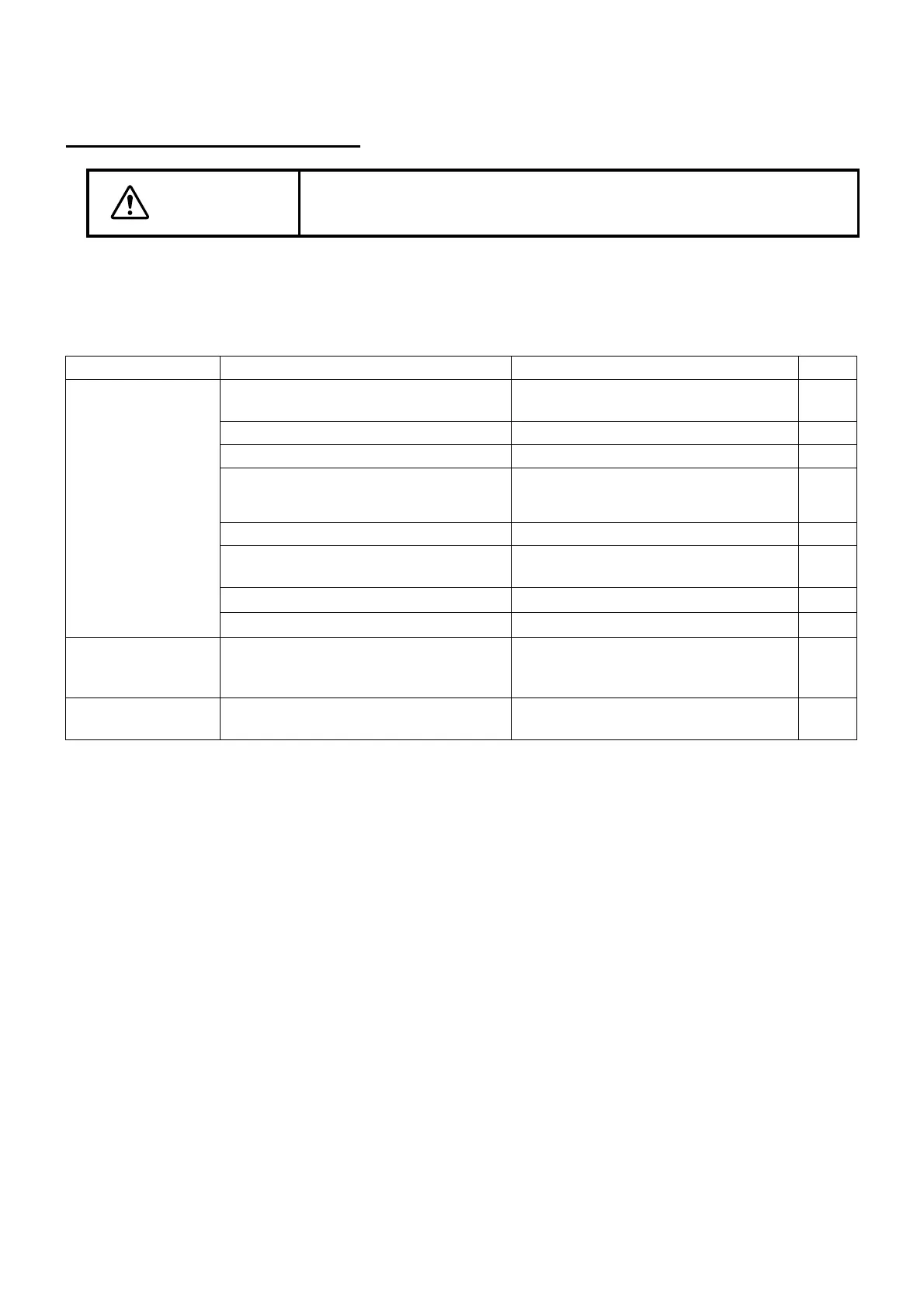
Check List
Problem Possible cause Check Page
Illumination lamp
does not work
Cable connection is
disconnected
Check cable connection. 17
Base relay cable is switched off. Connect the cable. 17
Plug of lamp house cover is switched off Insert plug. 17
Slit lamp is into a power saving state.
Recover from power saving state by
pressing the Photo switch or swinging
the base from side to side.
22
POWER switch is OFF Turn ON POWER switch. 22
Brightness adjustment knob is the mini-
mum
Turn up brightness adjustment knob. 27
Illumination lamp is broken Replace it with a new illumination lamp
-
Slit width is the minimum Rotate the slit adjustment knob
22
Illumination field is
not uniform/is
shady/is dark
Filter selector lever is out of position Click filter selector lever. 30
Slit width narrows by
itself
Slit-adjustment knob torque has been
decreased
Readjust slit-width control knob torque. 33



 To Next Page