28
OPERATION PROCEDURE
CHANGING THE APERTURE/SLIT LENGTH
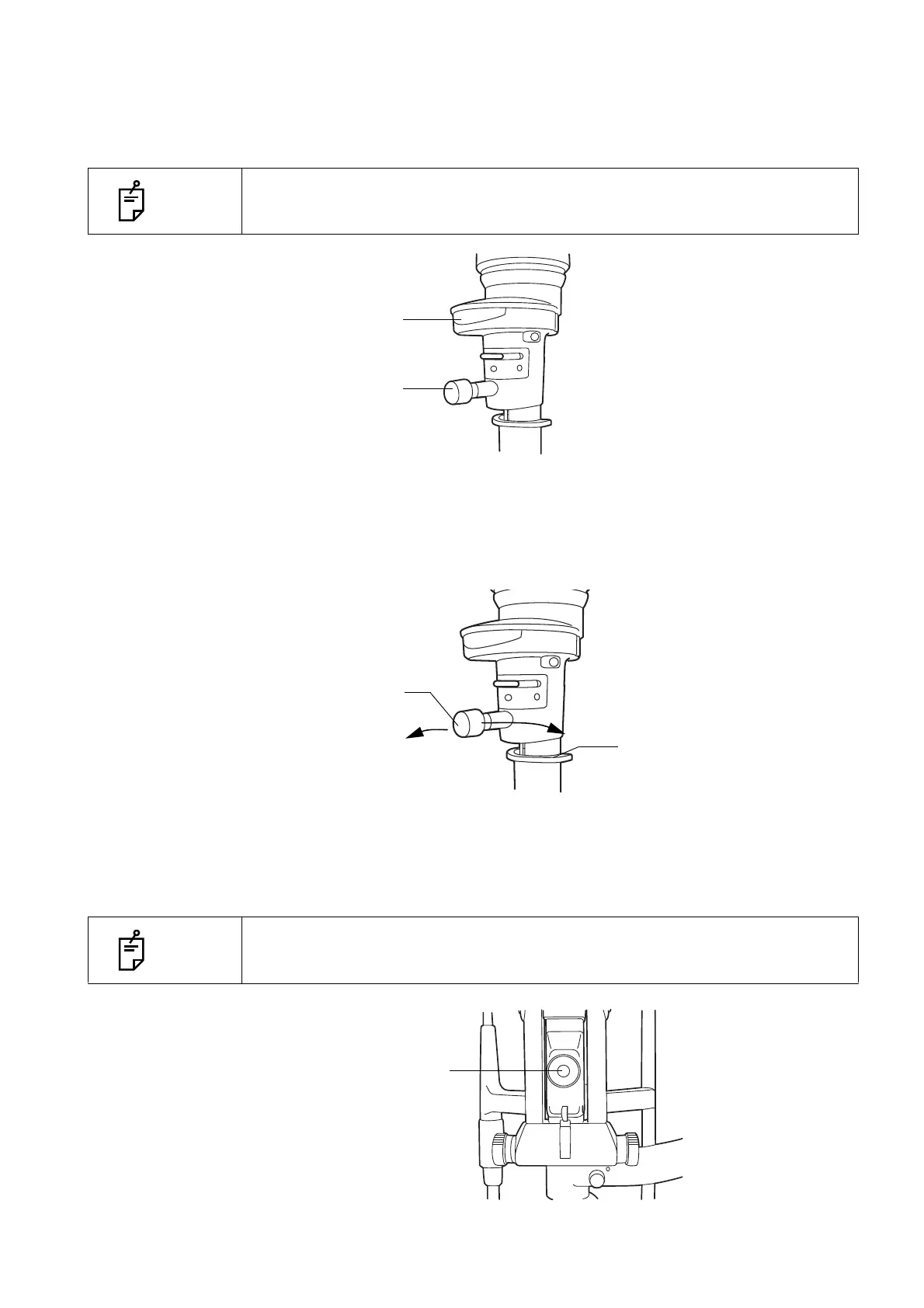
Turn the aperture/slit-length control knob.
When the slit is fully opened, 6 types of spot illumination (φ14, φ10, φ5, φ2, φ1, φ0.2) are available.
The slit width can be changed gradually from 1mm to 14mm.
TURNING THE SLIT
Horizontally rotate the aperture/slit-length control knob.
This directly changes the slit image from vertical to horizontal. In this mode, the slit angle can be
read off the angle scale.
SWINGING THE SLIT SIDEWAYS
Loosen the centering knob and swing the illumination unit right and left.
This provides indirect illumination displacing the slit light from the microscope center.
By fastening the centering knob, the slit light returns to the center of the vision field.
NOTE
The spot illumination size and slit length are displayed on the aperture/slit-
length display window.
NOTE
This function is used for scanning observation and observation with indirect illu-
mination.
Aperture/slit-length
display window
Aperture/slit-length
control knob
Aperture/slit-length
control knob
Slit-angle scale



 To Next Page