31
OPERATION PROCEDURE
AMBER FILTER
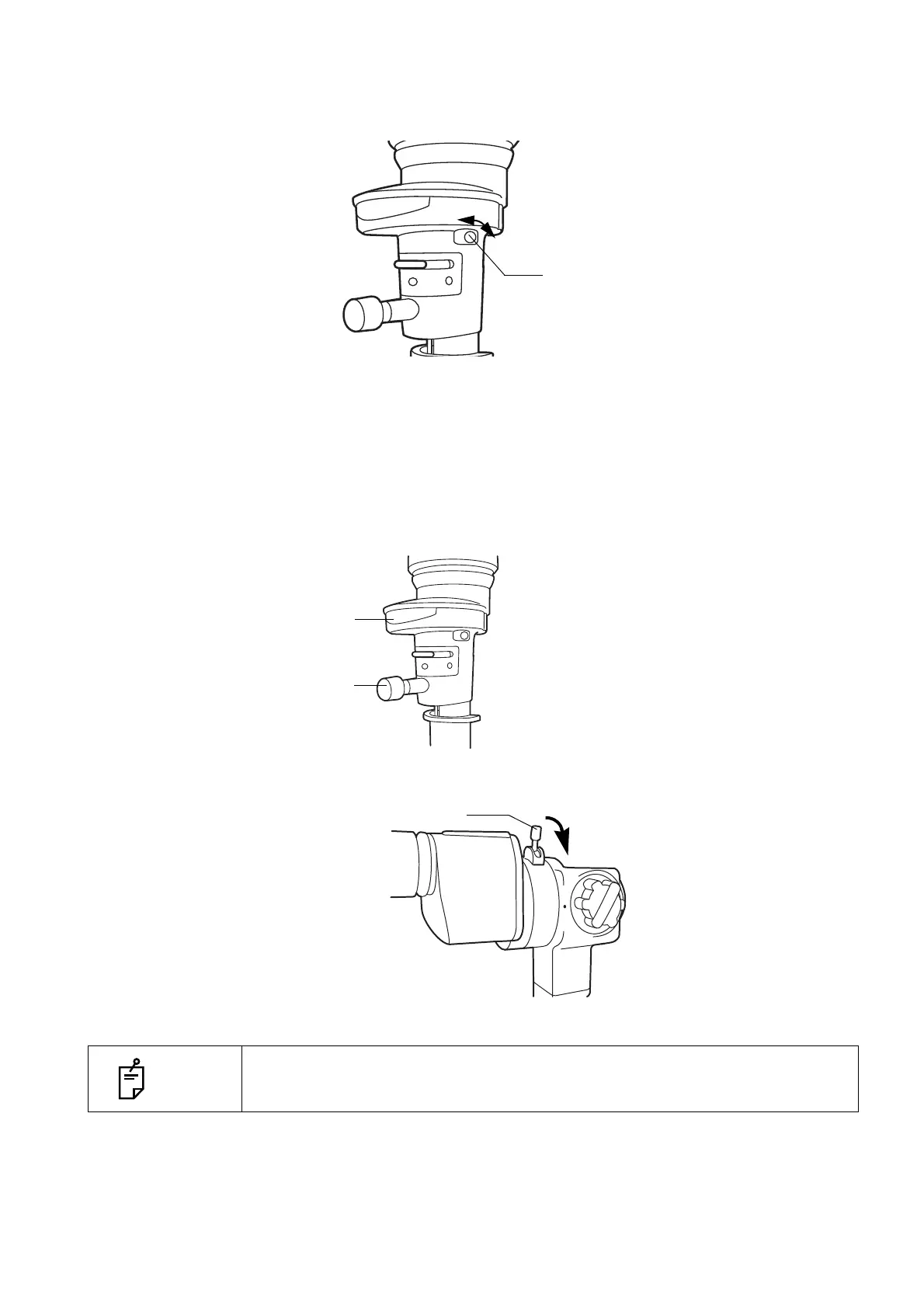
The amber filter is used to facilitate fundus observation.
The filter is inserted or removed by the amber filter selector lever.
FLUORESCENCE OBSERVATION
(EXCITER FILTER FOR SLIT LAMP/BARRIER FILTER FOR SLIT LAMP)
Fluorescence observation can be carried out using the exciter filter for slit lamp and barrier filter for
slit lamp.
1 Turn the aperture/slit-length display window anti-clockwise until the blue circle appears, then
insert the exciter filter for slit lamp into the illumination path.
2 Turn the barrier filter selector lever to the right and insert the barrier filter for slit lamp.
NOTE
This setting is availabel for users who have SL-D701 “with EX / Ba filter” type.
Amber filter selector
lever
OFF
ON
Aperture/slit-length
control knob
Aperture/slit-length
display window
Barrier filter selector lever



 To Next Page