Chapter 2 – Implement Setup
5
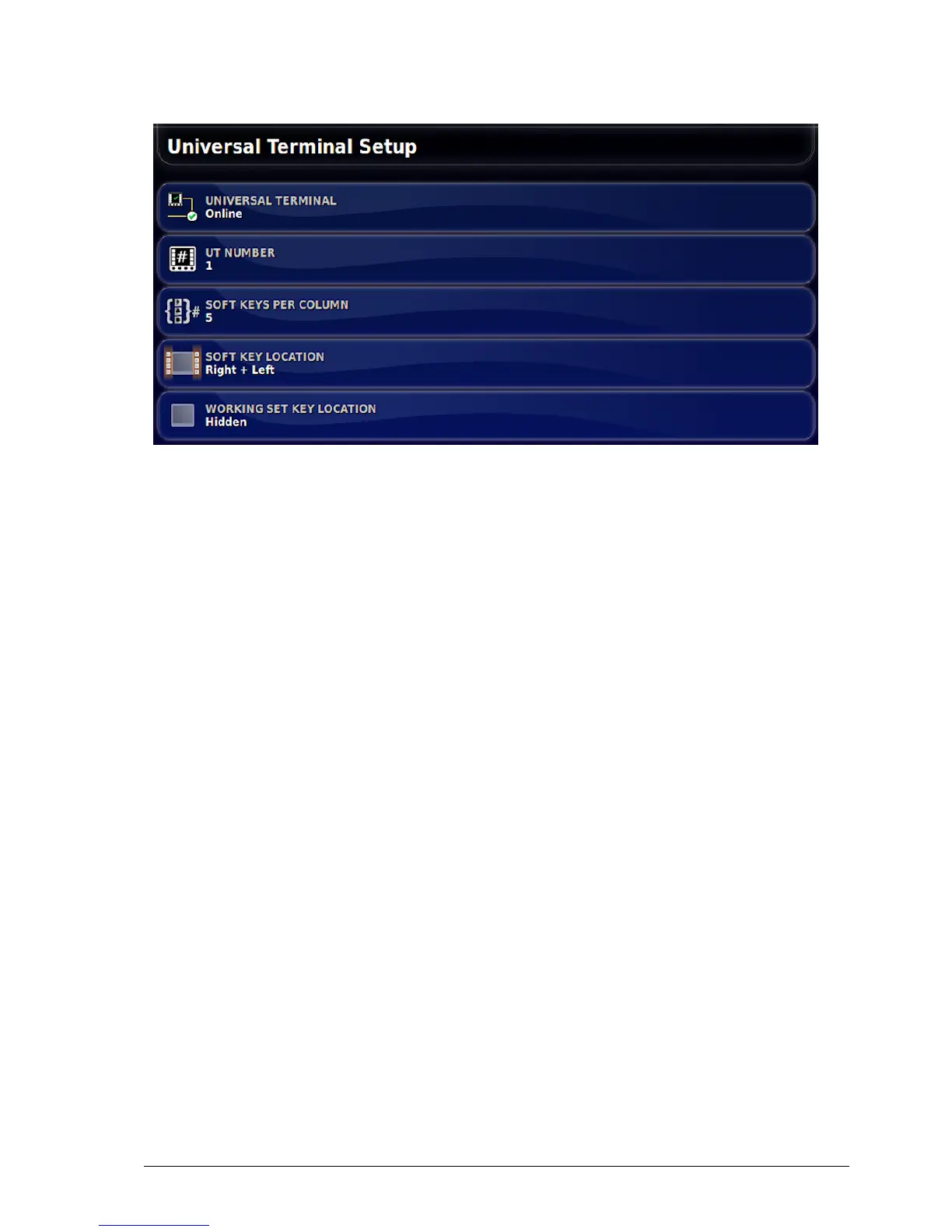
l Universal terminal: Controls whether the UT server is actively
receiving connections from other devices.
This may be useful if there are multiple UTs on the bus and
multiple UTs claim to be the primary UT (in which case the UT
will go offline automatically and require the UT Number to be
changed before it will go online again), or to temporarily deactivate
the UT on the console.
l UT number: Sets the UT number for the console. If there are
multiple UTs on the bus, use this setting to assign a unique number
to this UT to avoid conflicts. The UT with number 1 will be the
default UT. If the UT client doesn’t appear on the correct UT you
may need to reconfigure its UT number appropriately. If there is a
conflict, the following message will appear:
'The UT Number of this UT conflicts with another UT on the bus,
and this UT has been disabled. Please make sure that this UT has a
unique UT Number.'
l Soft keys per column: Sets the number of available softkeys on the
UT interface on the Operation screen. Note: This should be set to 5
(or 6 if the option to select 5 is not available).
l Soft key location: Sets the location of the softkeys on the UT
interface and the number of columns (1 or 2). Note: Right + Left
should be selected.



 To Next Page