Chapter 3 – Athene Setup
37
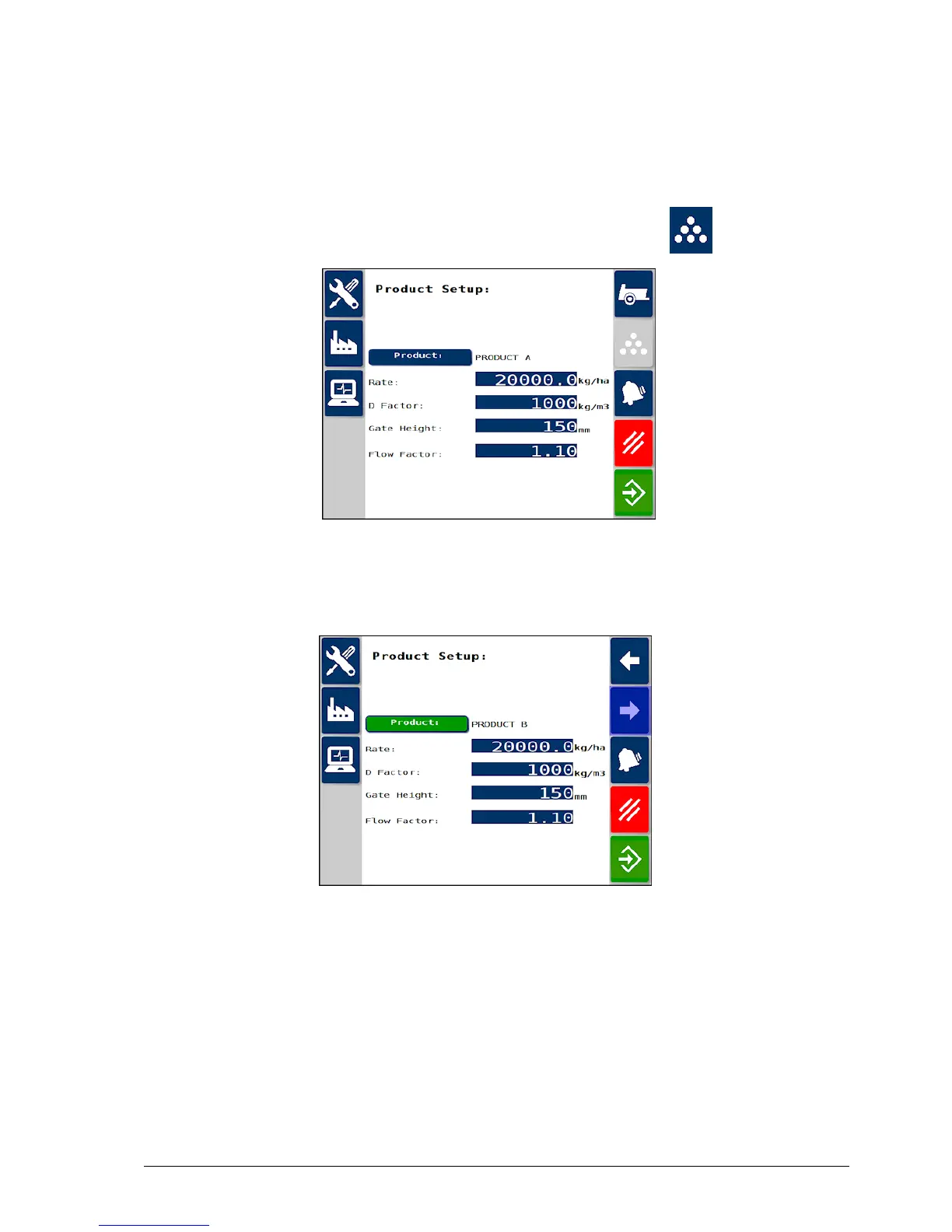
3.9. Setting up products
The system can store 10 different products with customizable names.
1.
From the Spreader Settings screen, select Products .
2. Select the Product button and the left / right arrows to change the
selected product.
3. Select the product name to edit the name.
l Rate: The rate at which the product is applied.
l D Factor: The product density. Take note of the units when
entering this figure.
l Gate Height:The height of the opening that the product passes
through from the belt. The gate height and maximum forward speed



 To Next Page