3.6. Setting up working width
32
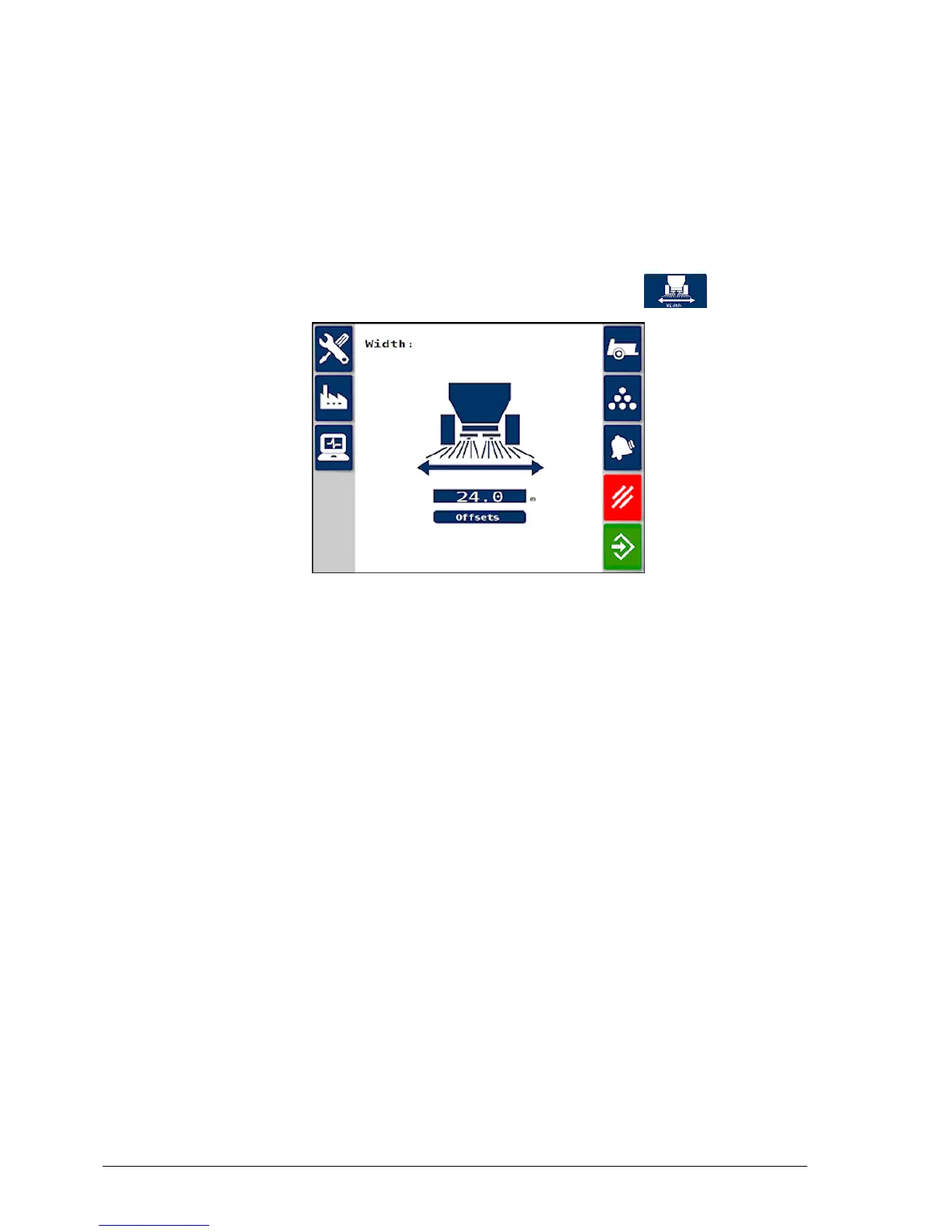
3.6. Setting up working width
This sets the full working width of the spreader.
Note: Please refer to the machinery operators manual to establish the
correct spinner RPM for the product / desired spread width.
1.
From the Spreader Settings screen, select Width .
2. Enter the implement working width. (The width of the area that is
treated during one pass of the implement.)
The Offsets are the dimensions from the GPS receiver location to
where the product is applied, as part of guidance setup. They do not
normally need to be changed.



 To Next Page