2.1. Enabling ISOBUS
4
2.1. Enabling ISOBUS
Enables the ISOBUS Universal Terminal server that allows interaction
with the Athene ISOBUS compliant ECU.
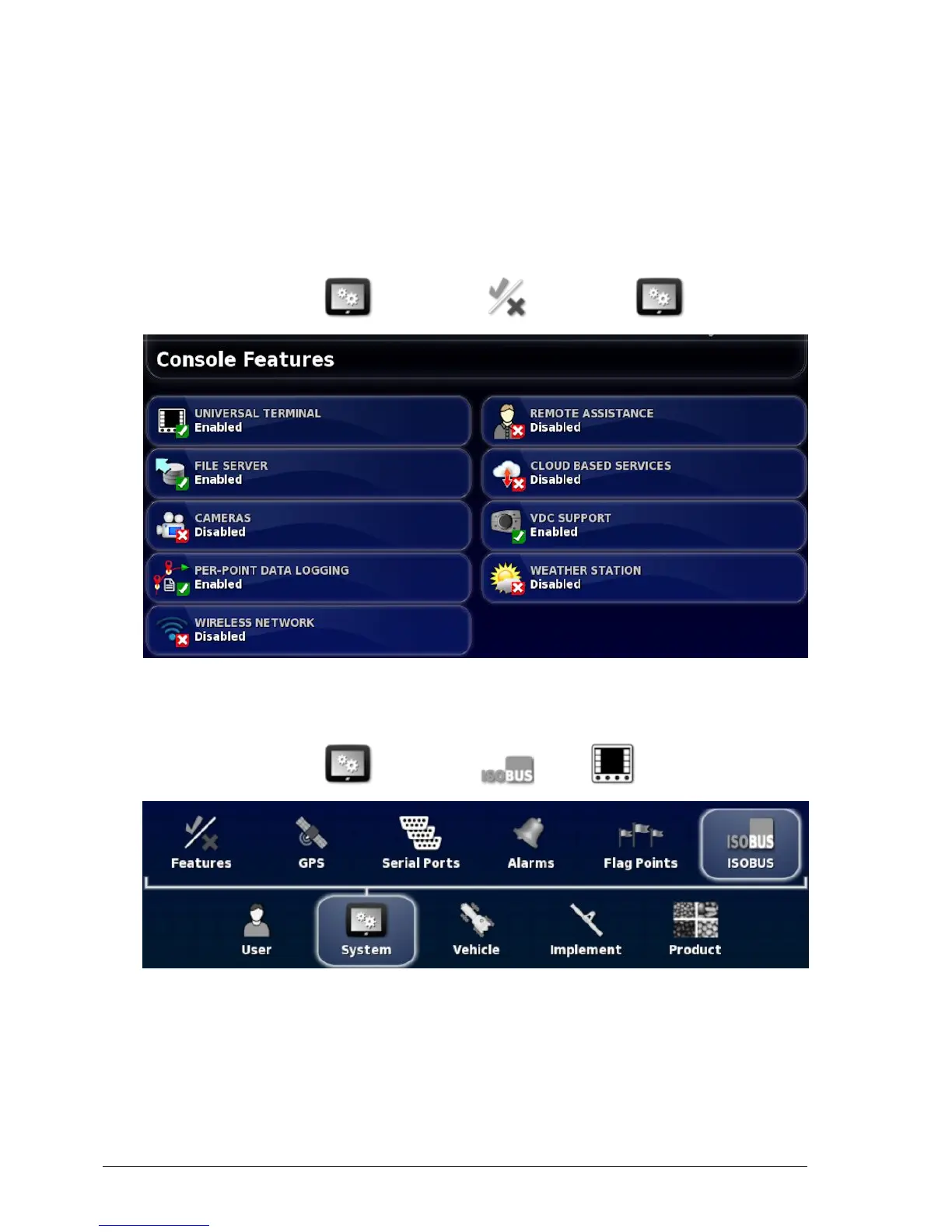
To enable ISOBUS / Universal Terminal:
1.
Select System / Features / Console .
2. Select FILE SERVER and select Enabled.
3. Select UNIVERSAL TERMINAL and select Enabled.
4.
Select System / ISOBUS / UT .
The Universal Terminal setup page is displayed.



 To Next Page