Chapter 3 – Athene Setup
39
3.10. Setting up alarms
1.
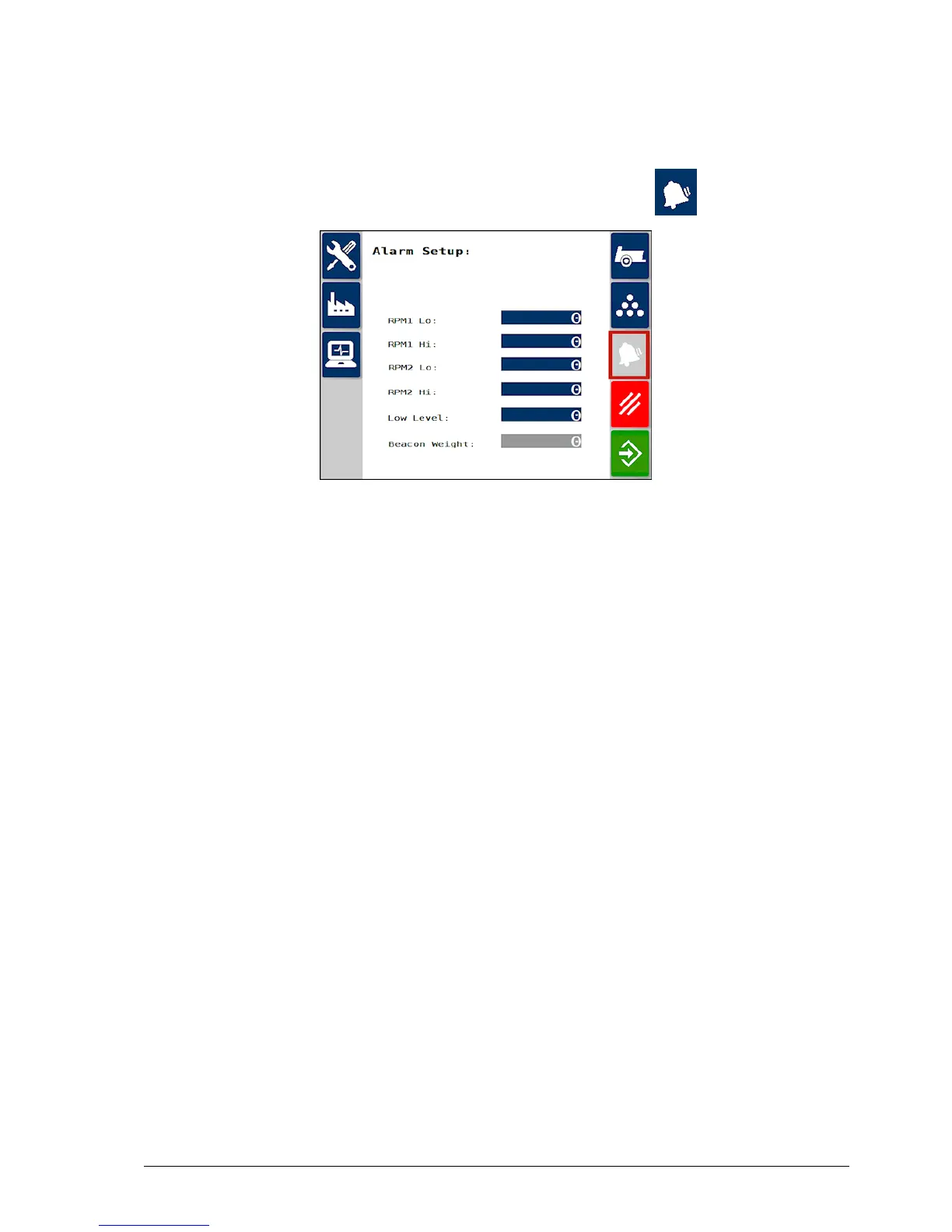
From the Spreader Settings screen, select Alarms .
2. Select the alarm field to enter the value beyond which the alarm
should sound.
The system can be set to show an alarm in the following conditions:
l RPM Lo / High:Spinners 1 and 2 RPM too slow / too fast.
l Low Level: Hopper level low.
l Beacon Weight: Hopper maximum load (activates a warning
beacon output if maximum weight exceeded). Only applicable if
load cells are fitted.
Note: Alarms are disabled when set to zero.



 To Next Page