Chapter 3 – Athene Setup
41
Note: If you overrun the marker, do not reverse - repeat the Auto Cal
procedure from the beginning.
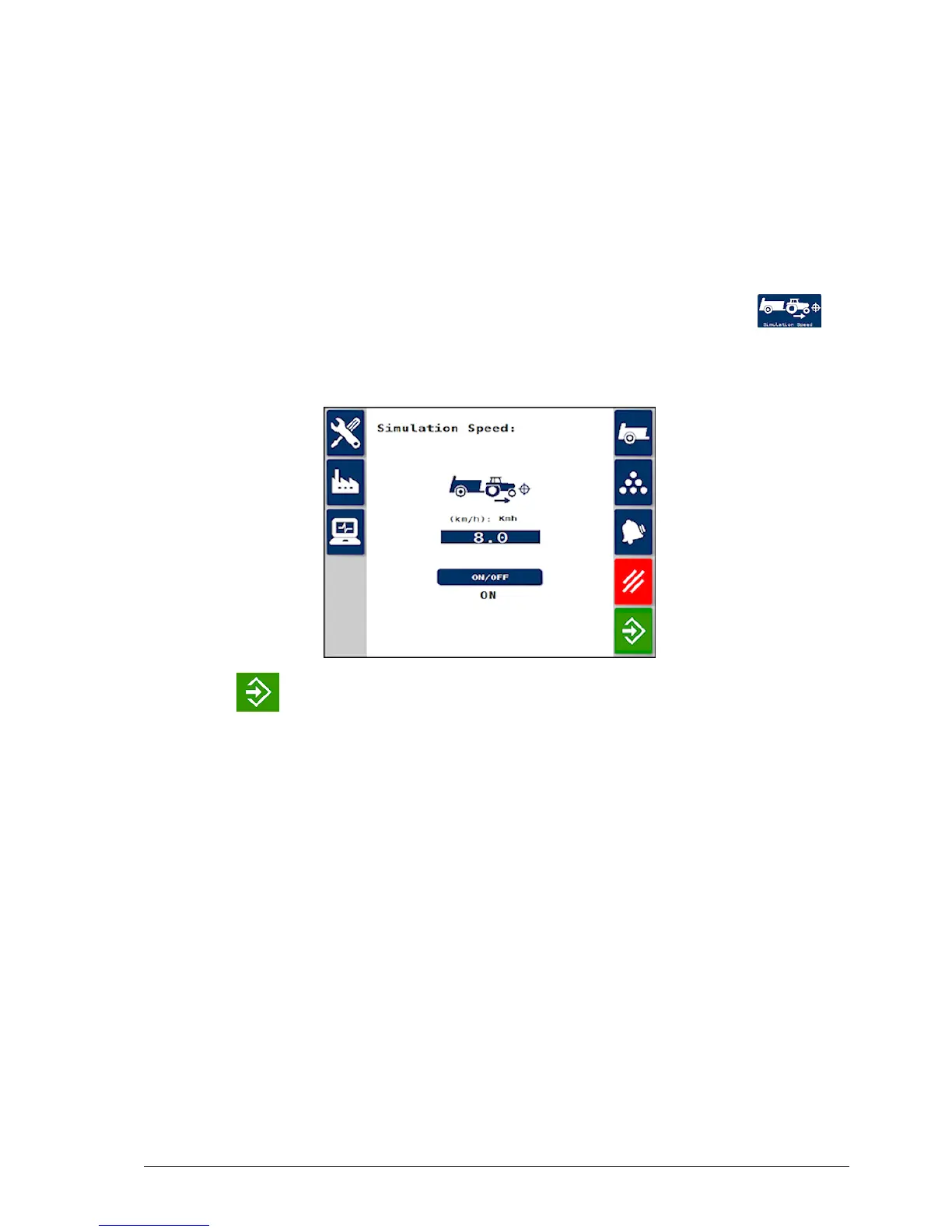
3.11.2. Simulated speed
If the speed sensor is not providing a signal, a simulated speed can be
set to continue operation.
1.
From the Spreader Settings screen, select Simulation Speed
/ Speed Factor.
2. Enter the desired speed and switch the simulation ON.
3.
Press to start the simulation.
Note: Actual forward speed must be matched to the simulated speed as
closely as possible. Otherwise the system will under-apply if you travel
too quickly, or over-apply if you travel too slowly.



 To Next Page