3.12. Adding product / tare
42
3.12. Adding product / tare
The main screen displays the current weight remaining in the hopper
(a theoretical calculation if volumetric calibration is in effect, or the
actual weight measurement from load cells for dynamic calibration).
The weight setup screen varies, depending on whether the system has
load cells fitted or not (see Load cell configuration, page 29).
3.12.1. With load cells
The hopper contents display refreshes automatically to show the
current weight as product is loaded.
The weight can be tared either when the hopper is empty, or if it
contains a known weight. To maintain correct angle compensation,
only perform the tare with the spreader on level ground.
1.
From the Spreader Settings screen, select Weight Setup /
Tare Calibration.
2. Follow the screen prompts.
3.12.2. Without load cells
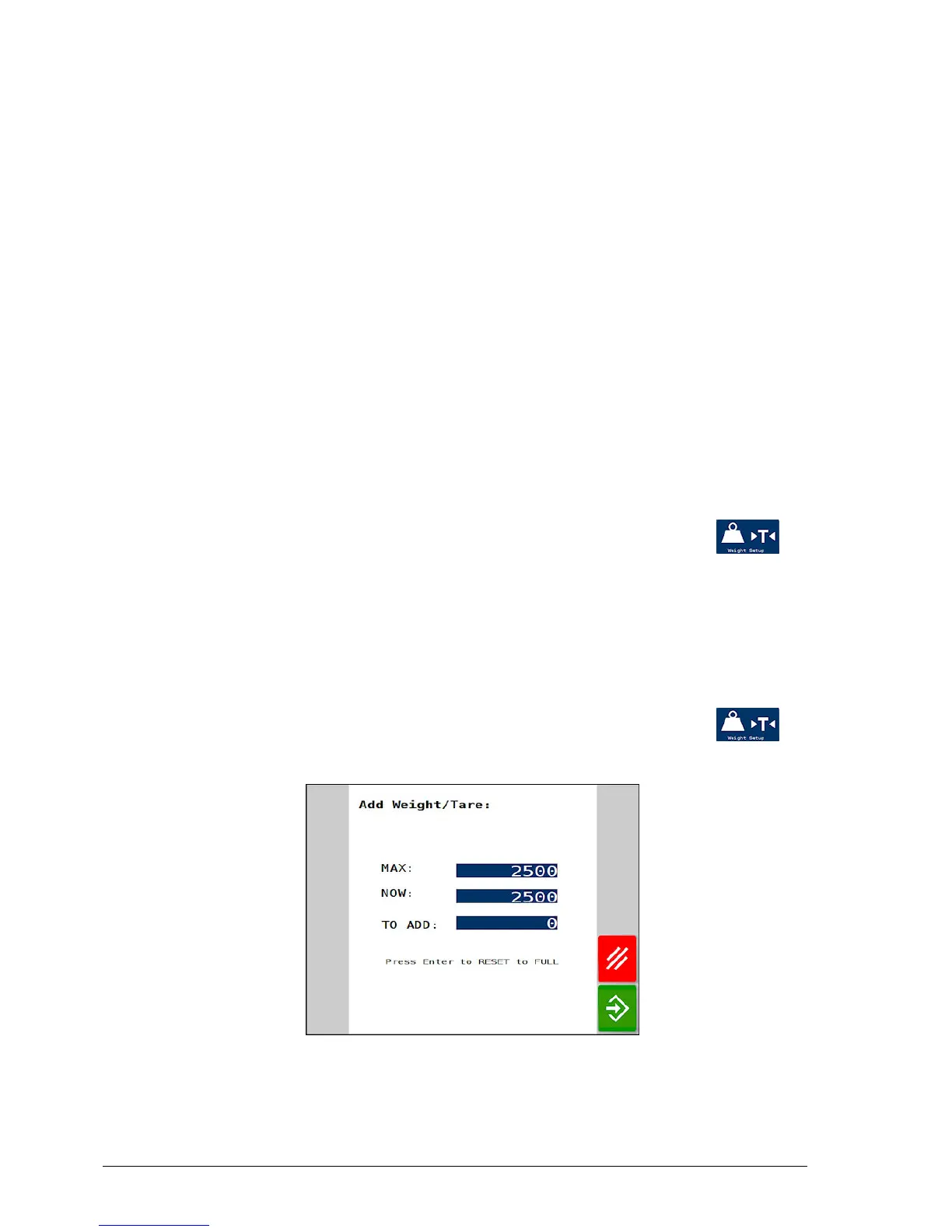
1. Refill the hopper with the desired load.
2.
From the Spreader Settings screen, select Weight Setup /
Add Weight / Tare.
l Max: The full hopper weight. Confirm that MAX corresponds to
the hopper maximum capacity, and adjust if necessary. If loading



 To Next Page