3.8. Setting up boundary reduction
36
3.8.1. Operating boundary reduction
1.
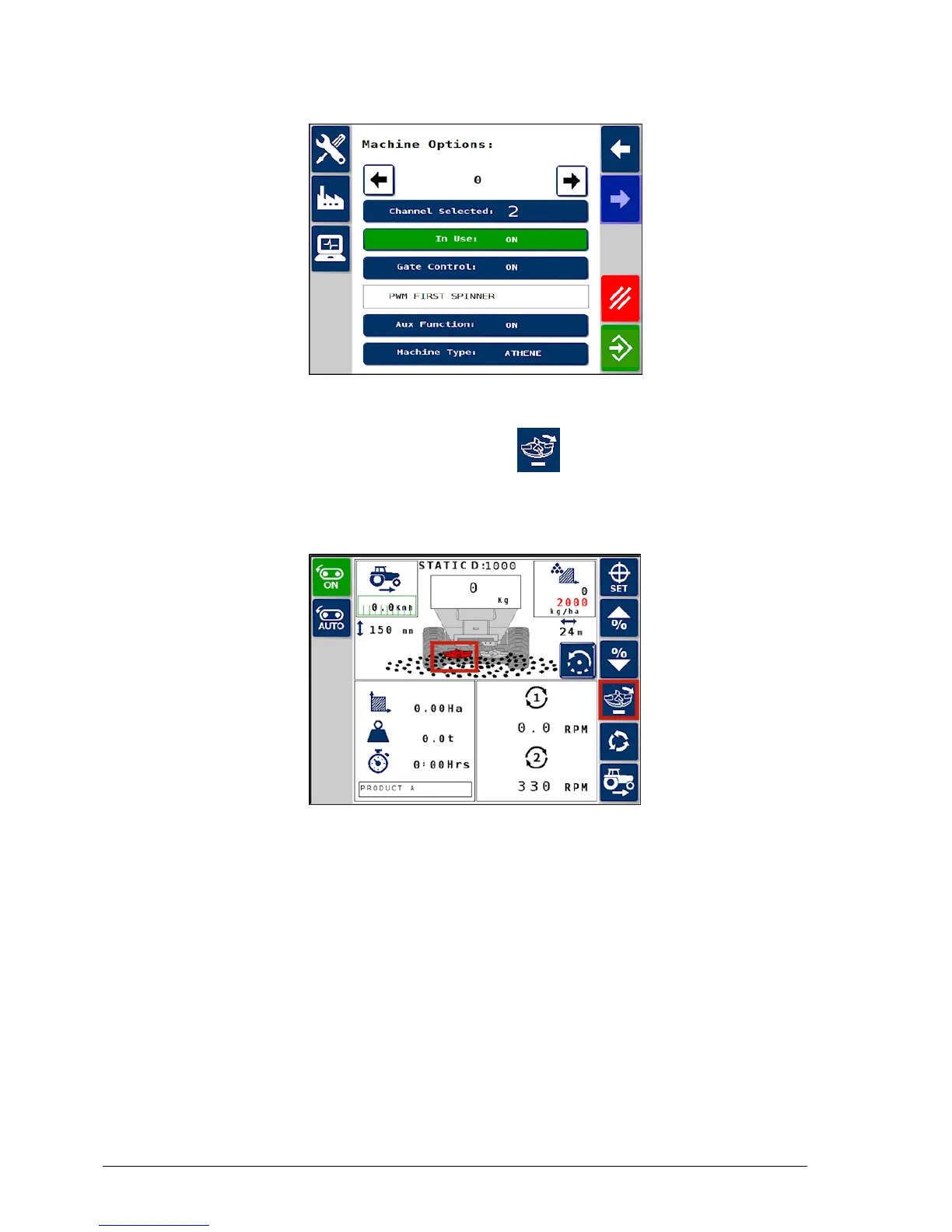
Select the boundary reduction icon to activate.
The boundary reduction indicator displays in red below the
spreader image when operating.
The instrument will beep every 15 seconds to remind the operator
that this function is enabled.



 To Next Page