57
Chapter 5 – Operation
5.1. Opening auto section control
Auto section control is available when an implement and ECU have
been set up and Auto Section Control has been enabled in the Setup
screen (System / Features / Implement ).
1.
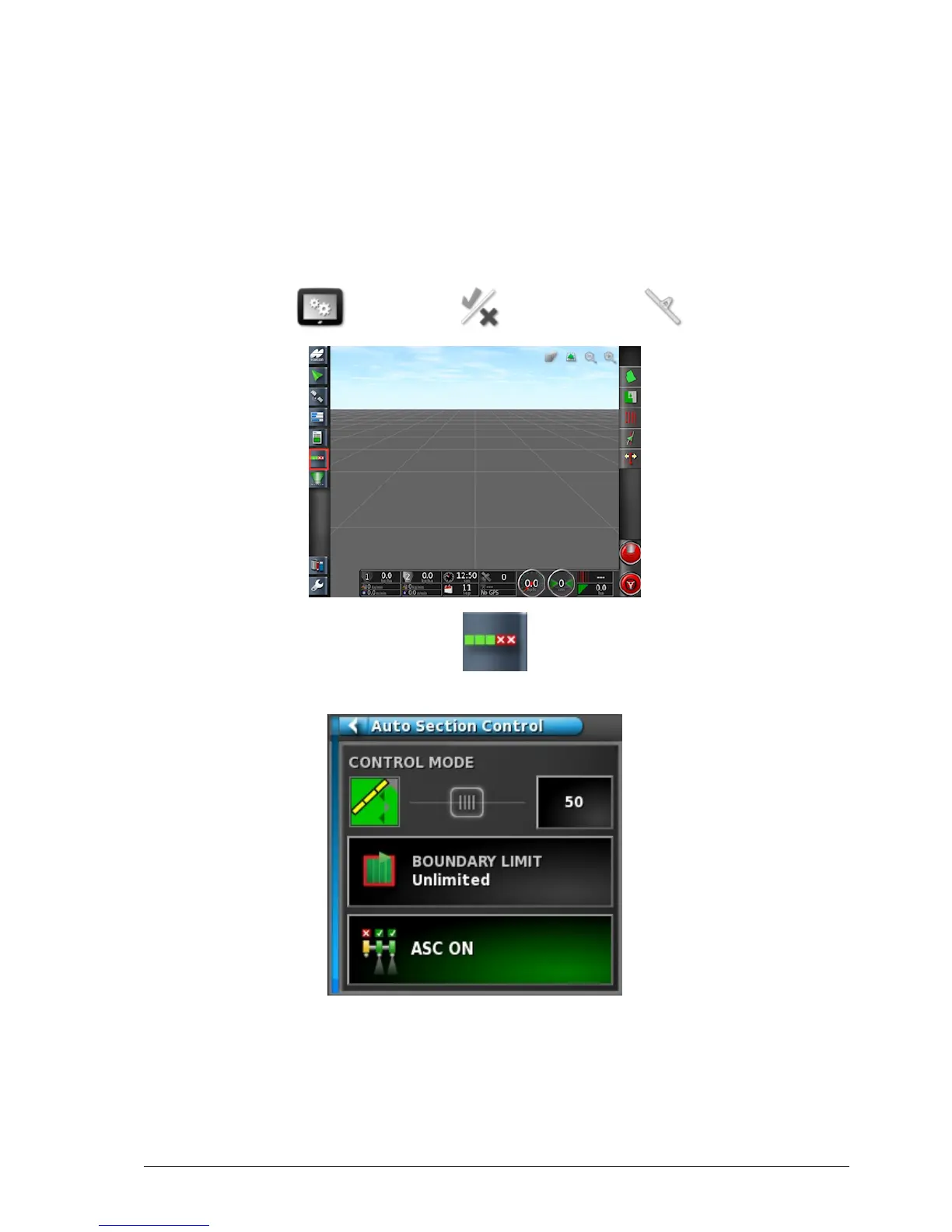
Select Auto Section Control . The Auto Section Control
mini-view opens.
l Control mode: Use the slider or number keypad to set to avoid
overlap (0) or avoid gaps (100). If avoid overlap is chosen, there
may be some spaces where product is not applied. If avoid gaps is



 To Next Page