4.3. Nudge calibration
52
4.3. Nudge calibration
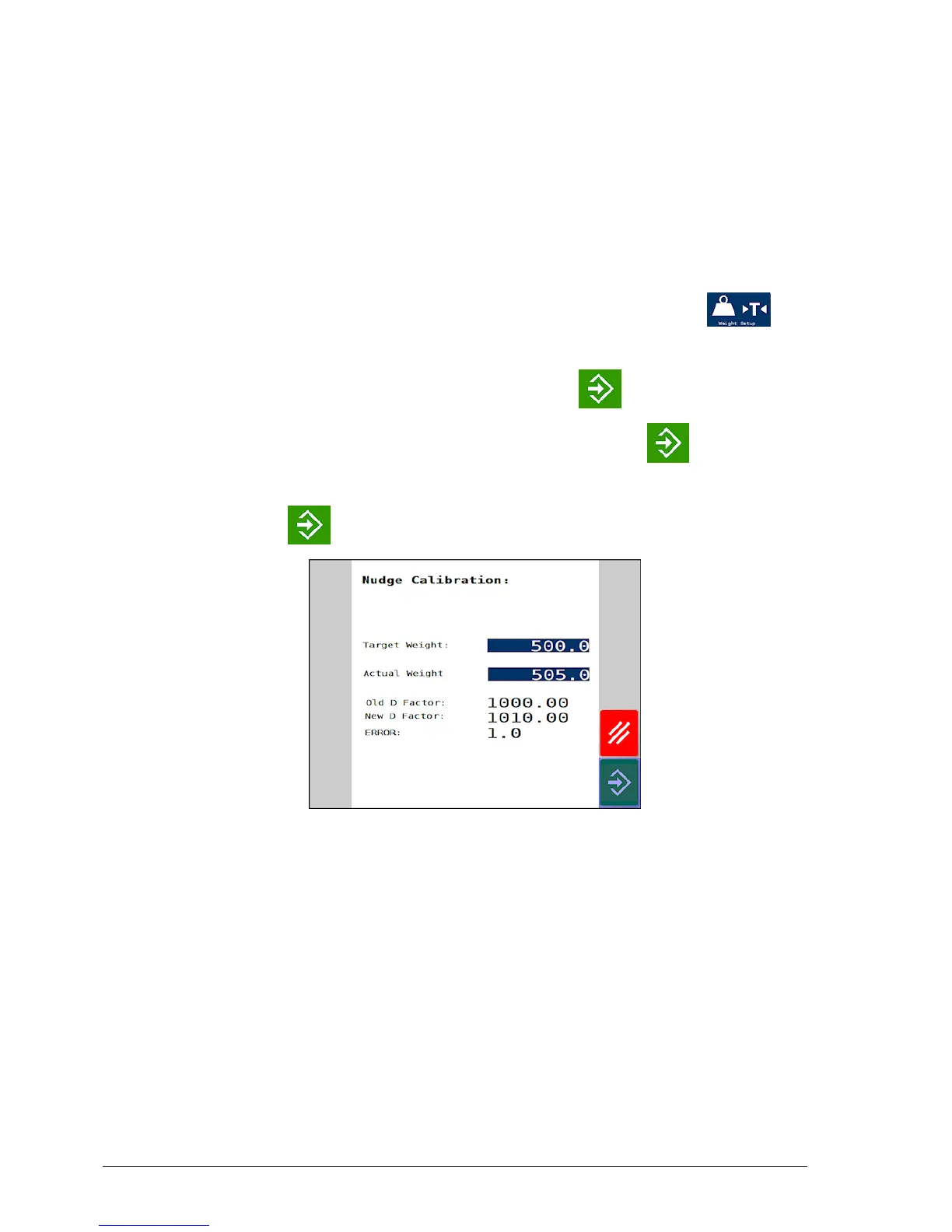
Some discrepancy between the target weight and the actual weight
can occur, often due to variations in the actual density of the product
from the theoretical density programmed. The calibration factor can
be fine tuned to account for any discrepancy.
1.
From the Spreader Setting screen, select Weight Setup /
Nudge Calibration.
2.
Enter the Target Weight then press enter .
3.
Enter the Actual Weight applied and press enter again. The
% error is calculated and displayed.
4.
Press enter to make the correction.



 To Next Page