Chapter 3 – Athene Setup
29
3.5. Load cell configuration
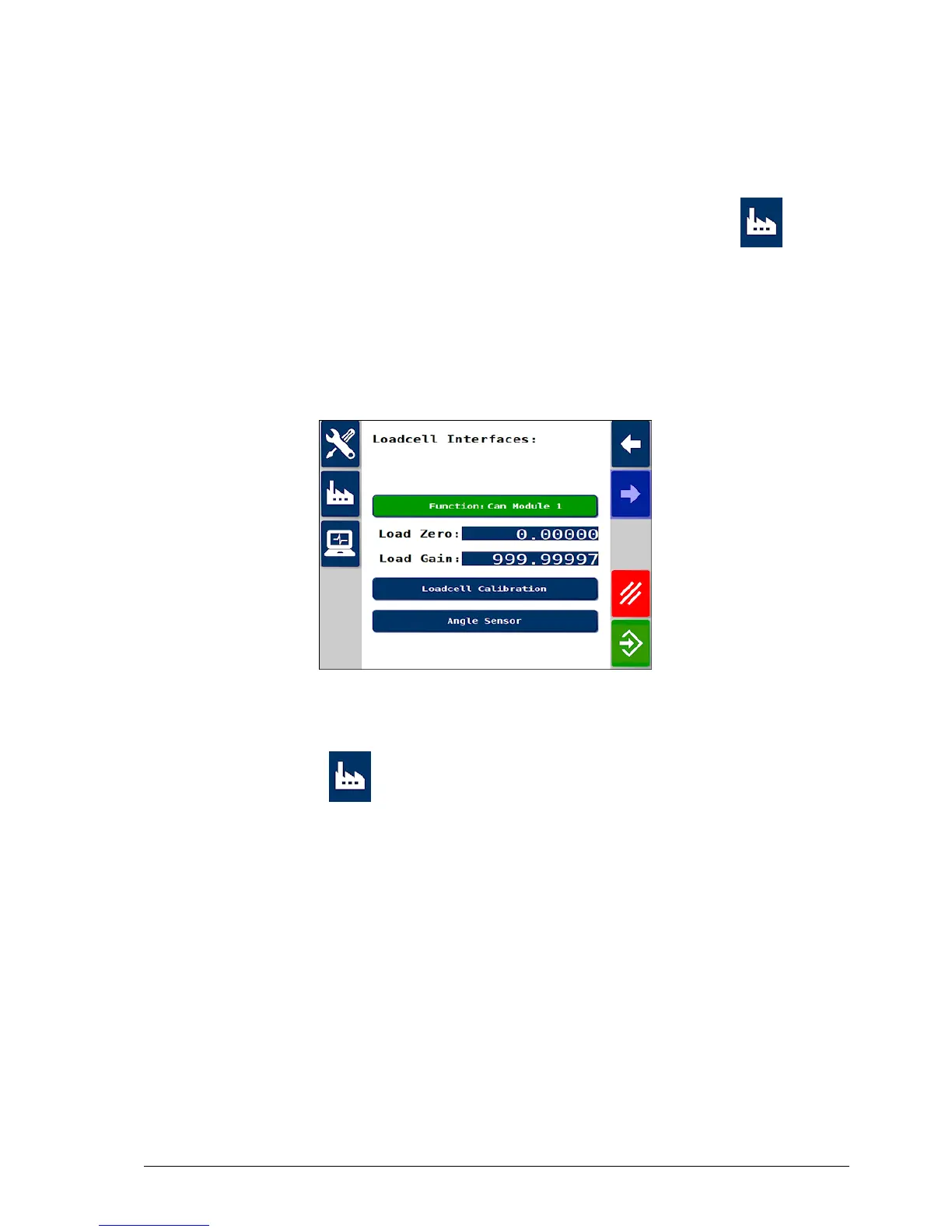
1. To ensure the software is set to communicate with the load cell
interface, from the Spreader Settings screen select Factory /
Loadcell Interfaces.
2. If the machine is not fitted with load cells, set Function to NOT
USED.
3. If the machine is fitted with load cells, set Function to CAN
module 1.
To calculate the correct weight, the load cell interface contains an angle
sensor. The orientation of the load cell interface must be entered.
4.
Select Factory / Loadcell Interfaces / Angle Sensor.
5. Press the cycle button to rotate the icon of the ECU around the
spreader until it matches the orientation on which it is mounted.



 To Next Page