3.5. Load cell configuration
30
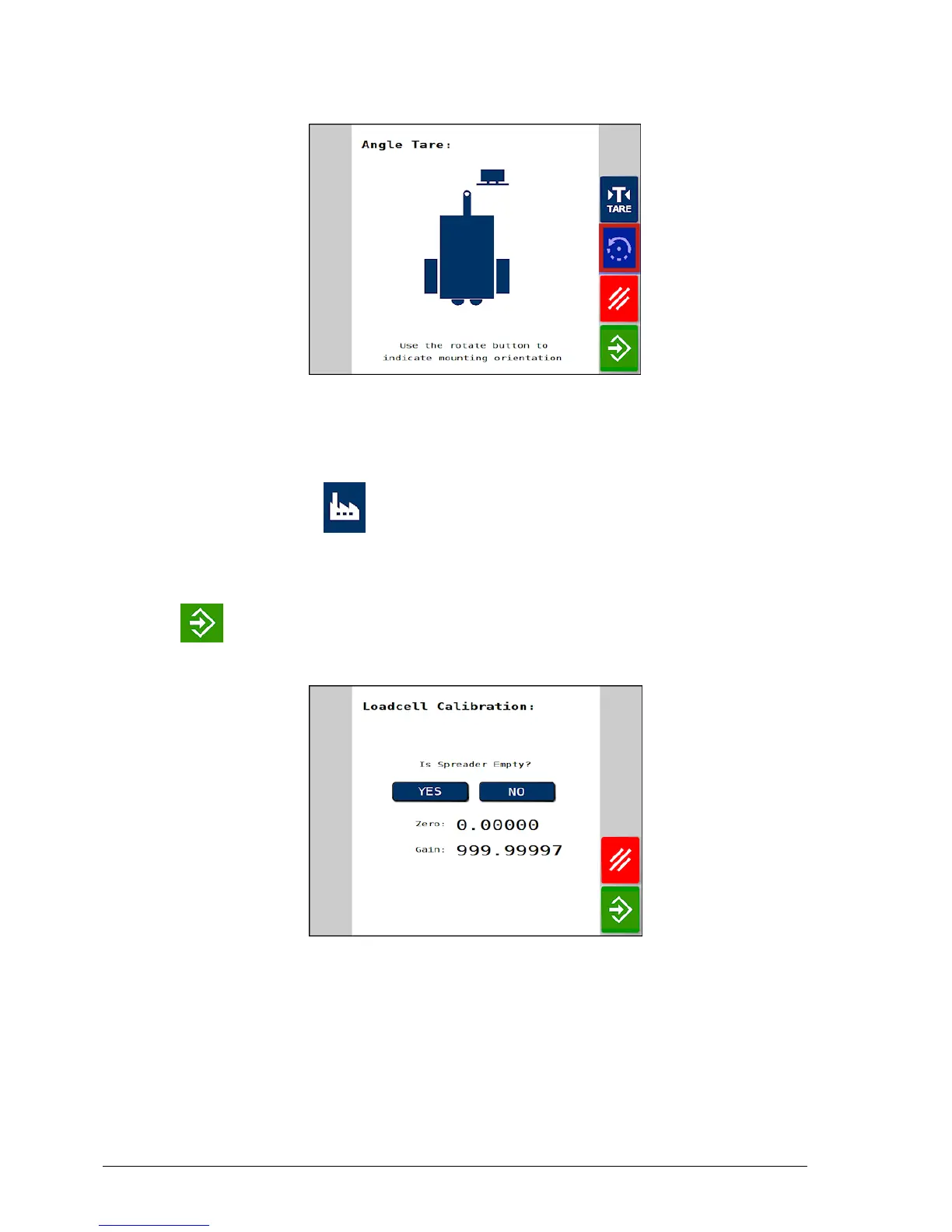
6. With the spreader parked on flat ground, press the TARE button
and this will zero the angle sensor.
7. To set the zero point for the load cell, with the spreader empty
select Factory / Loadcell Interfaces / Loadcell
Calibration.
8. When prompted ‘Is spreader empty?’ select YES and then select
again to confirm the spreader is empty. This sets the zero
point.
The load cell gain value must be set. This tells the software that a
load of xx kg causes an increase of 1 volt from the load cell interface.
9.
Place a known weight of product in the spreader. Note: This
process is more accurate if using a bigger known weight.



 To Next Page