Chapter 4 – Calibration
49
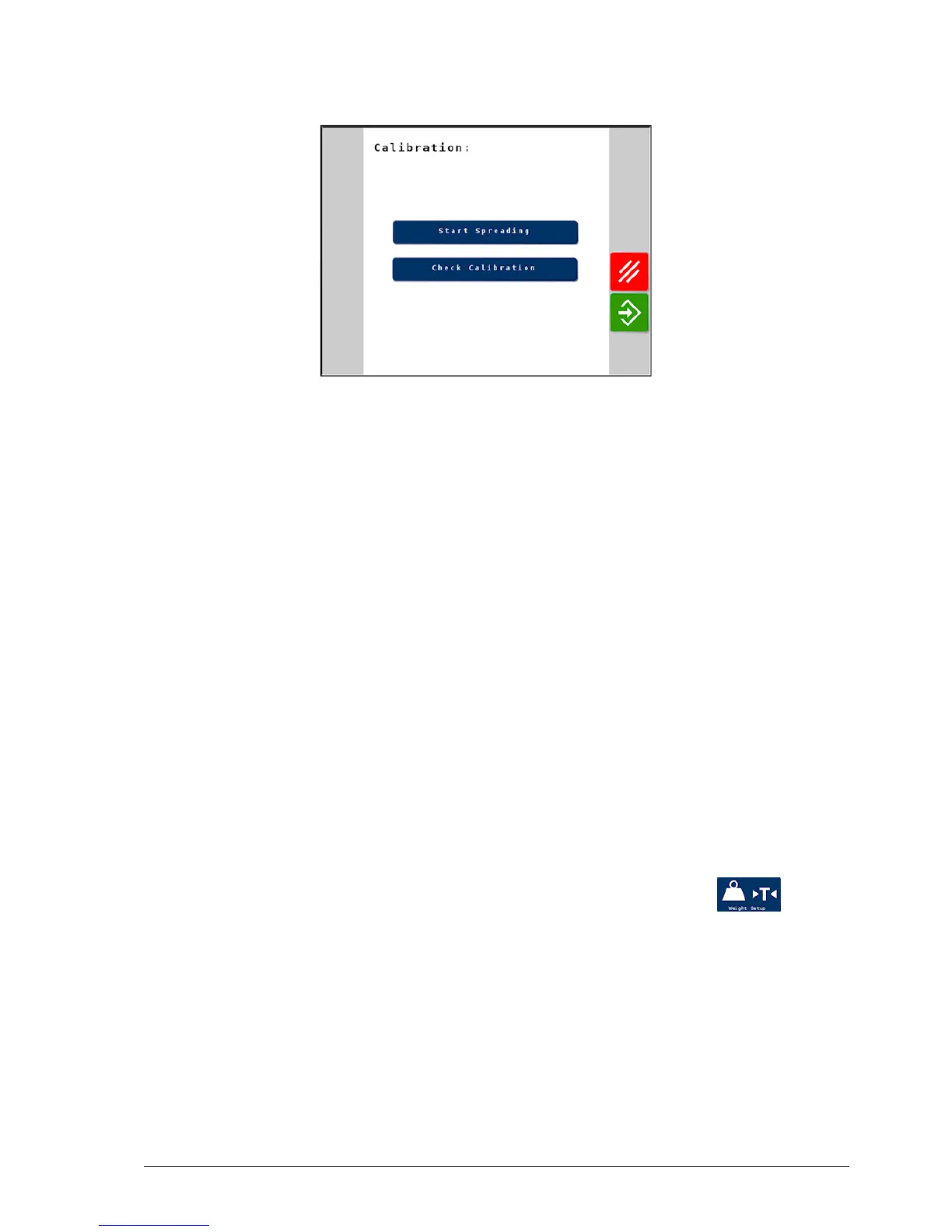
6. Otherwise select Start Spreading to end the calibration sequence
and return to the main operating screen.
4.2.1. Product flow factor – check calibration routine
The flow factor accounts for any product flow inconsistencies that may
come from pelletized (prilled) or low friction products. To achieve
accuracy across a complete product range, each product should be tested
to enable the system to learn the flow characteristics of that material.
Note: This procedure is applicable if load cells are fitted, in Dynamic
or Static mode.
The flow factor can be established by:
l Following this routine, which involves running the floor for a set
time period, catching and then weighing the product that is
dispensed from the spreader, or
l Carrying out a calibration nudge after spreading a certain amount of
product (see Nudge calibration, page 52).
1.
From the Spreader Settings screen, select Weight Setup /
Calibration.
2. Follow the product calibration procedure through and then select
Check Calibration.
3. Enter the weight of product to be caught and weighed for the test.
Note: If catching the product to be weighed, it is advisable to select
enough product for a minimum of 5 Ha depending upon target rate.



 To Next Page