Chapter 3 – Athene Setup
35
3.8. Setting up boundary reduction
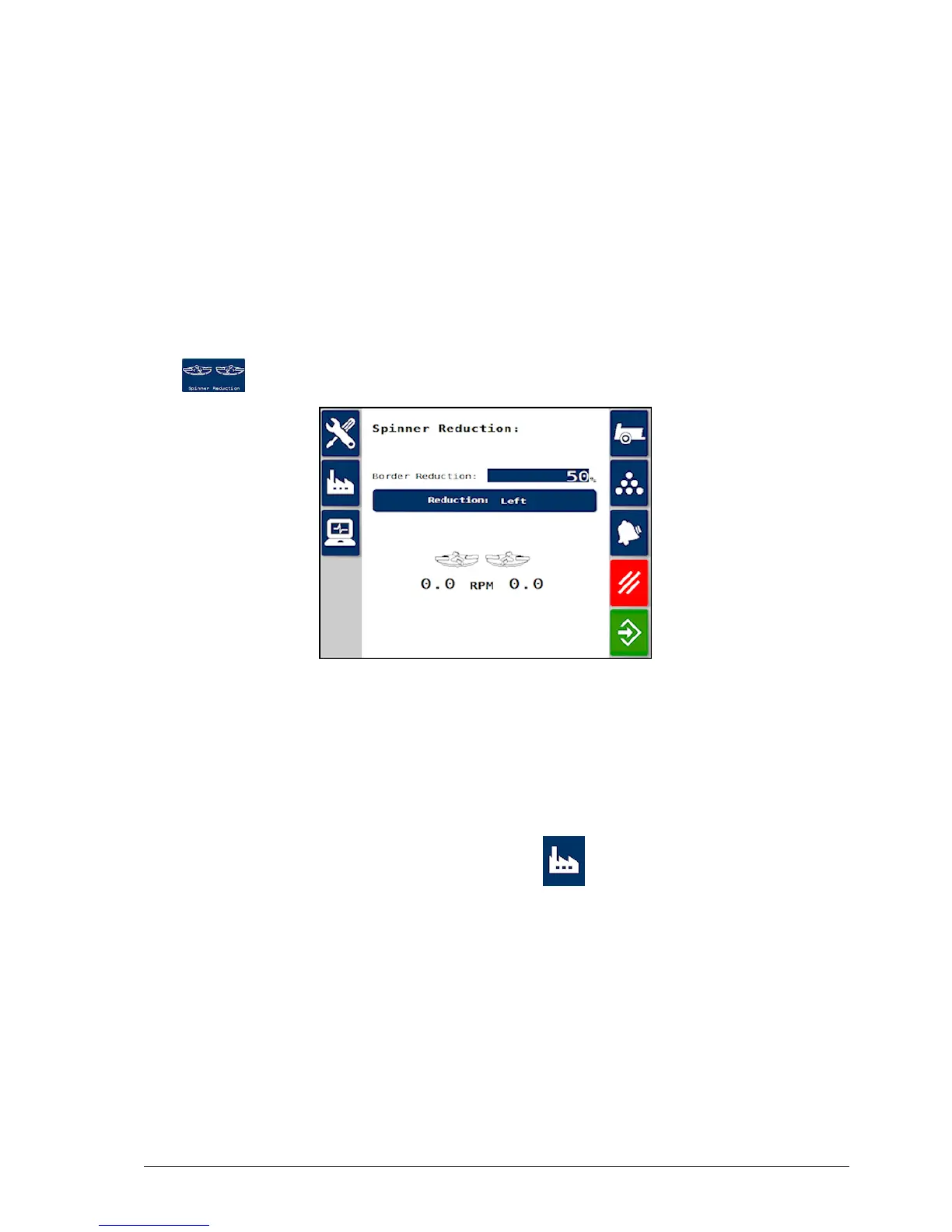
The RPM of a selected spinner can be slowed down (using a hydraulic
diverter valve) to reduce the spread width when traversing the field
boundary.
Note: The boundary should be driven clockwise if the left spinner is
selected and anticlockwise if right spinner is selected.
1. From the Spreader Settings screen, select Spinner Reduction
.
The reduced speed is set as a proportion of the spinner speed. The
reduction must be established by trial and error to establish the desired
spread pattern.
If the Spinner Reduction option is not visible, enable spinner reduction
as follows:
1.
From the Main Menu select Factory / Machine Options.
2. Change Channel Selected to 2 and In Use to ON.



 To Next Page