3.4. Setting up units
28
3.4. Setting up units
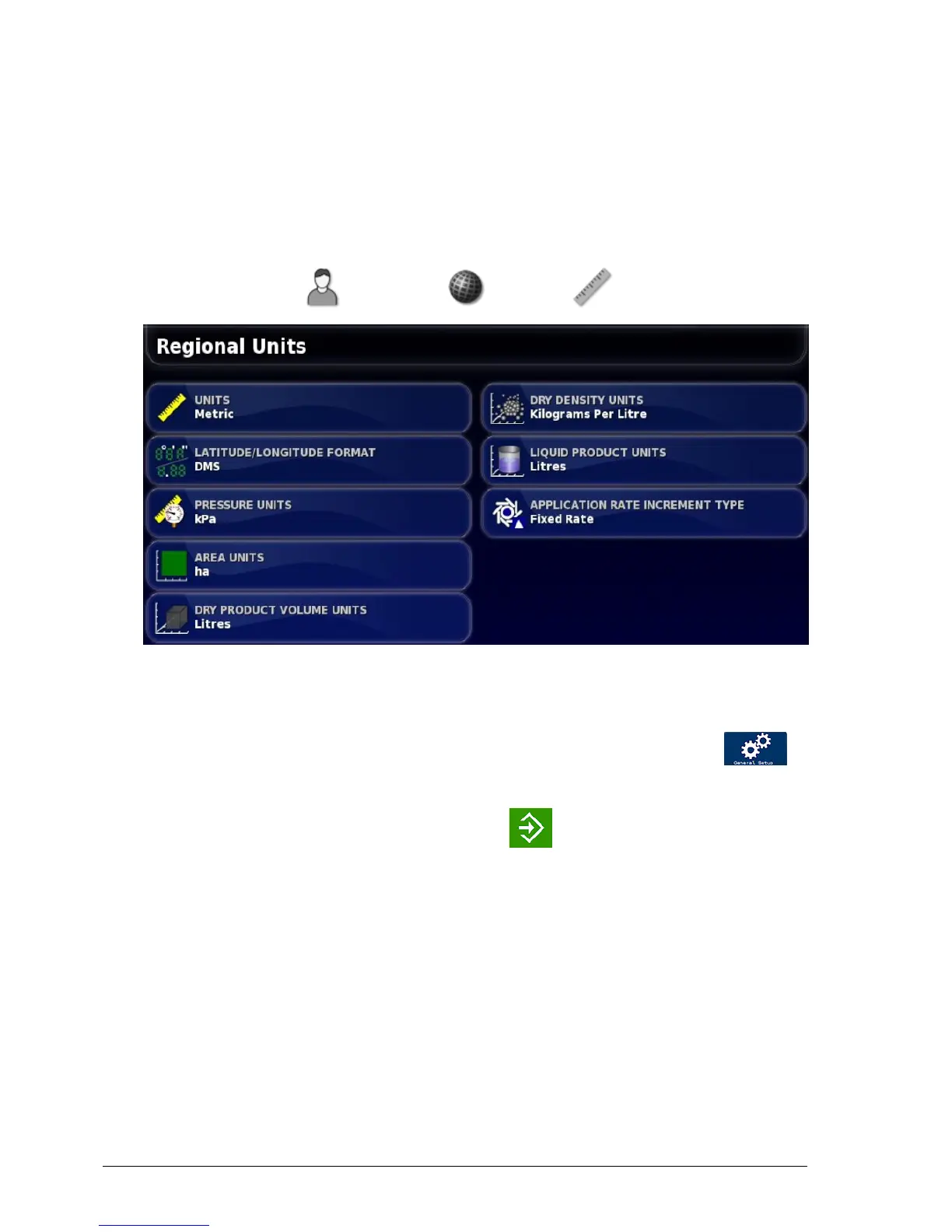
The measurement system is set from the console setup menu,
however the units (e.g. kg/ha, tonnes/ha) are set from the Athene
setup menu.
1.
Select User / Region / Units .
2. Select the required UNITS (metric or imperial).
3. Exit the console setup menu and start the Athene application.
4.
From the Spreader Settings screen, select General Setup /
Sub Units.
5.
Select the required units and press to confirm.



 To Next Page