Chapter 2 – Implement Setup
7
2.2. Setting up a new implement
Creates a new implement profile for the attached implement.
Note: Existing implement files can be imported from a USB. Refer to
the Guidance and Auto Steering manual.
To create a new implement:
1.
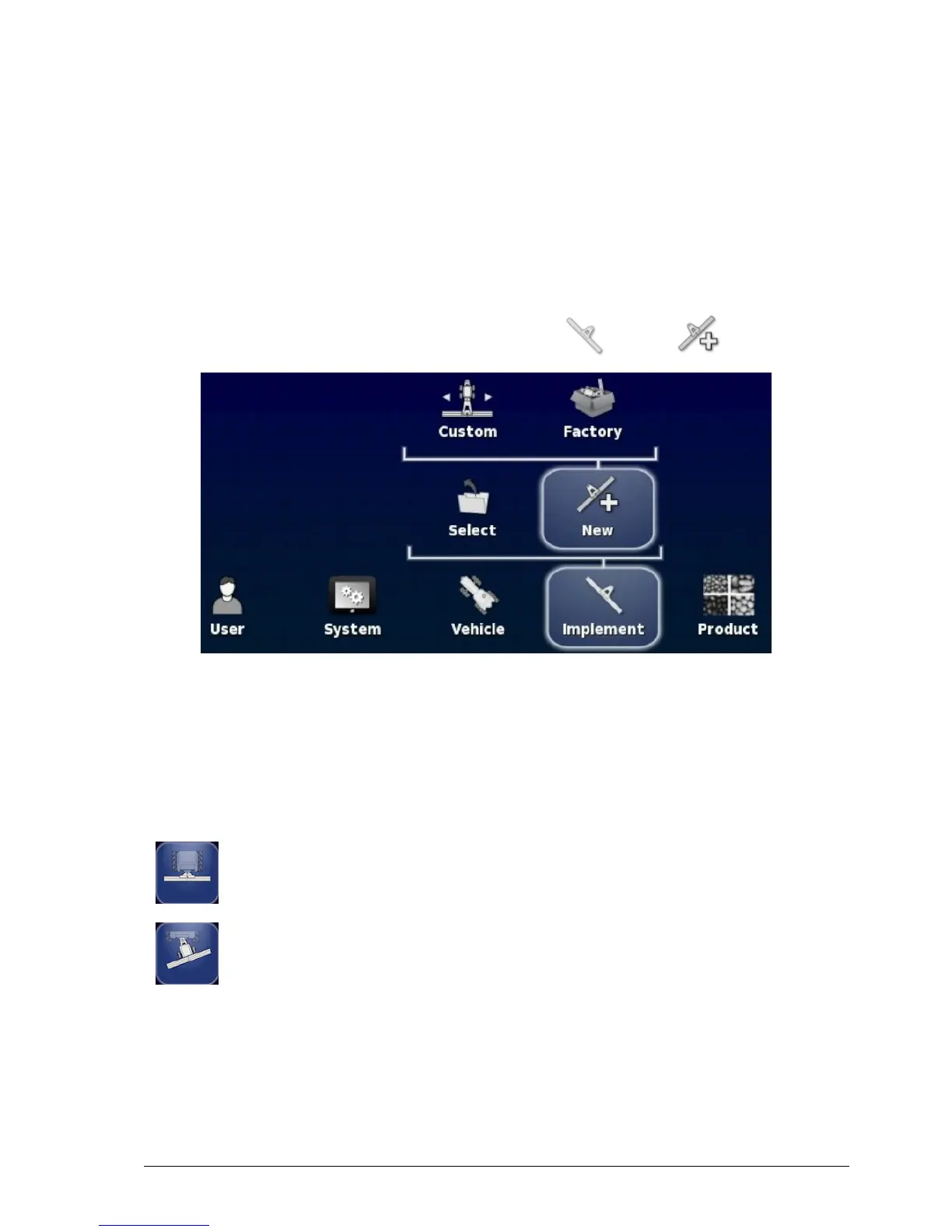
On the Setup screen, select Implement / New .
l Custom: Create a new implement profile.
l Factory: Select an implement template from a pre-defined list.
2. If the required implement is not available in the Factory templates,
select Custom.
3. Use the arrows to select the implement Type and confirm.
rigid
pivoted (tow behind)



 To Next Page