Chapter 4 – Calibration
51
9. If dispensing a large volume of product (1000 kg) back in to a bulk
store, then enter the Live Kg that is shown from the load cells.
Note: To check application rate accuracy, dispense the TOTAL
amount of product that is shown in the hopper.
10.
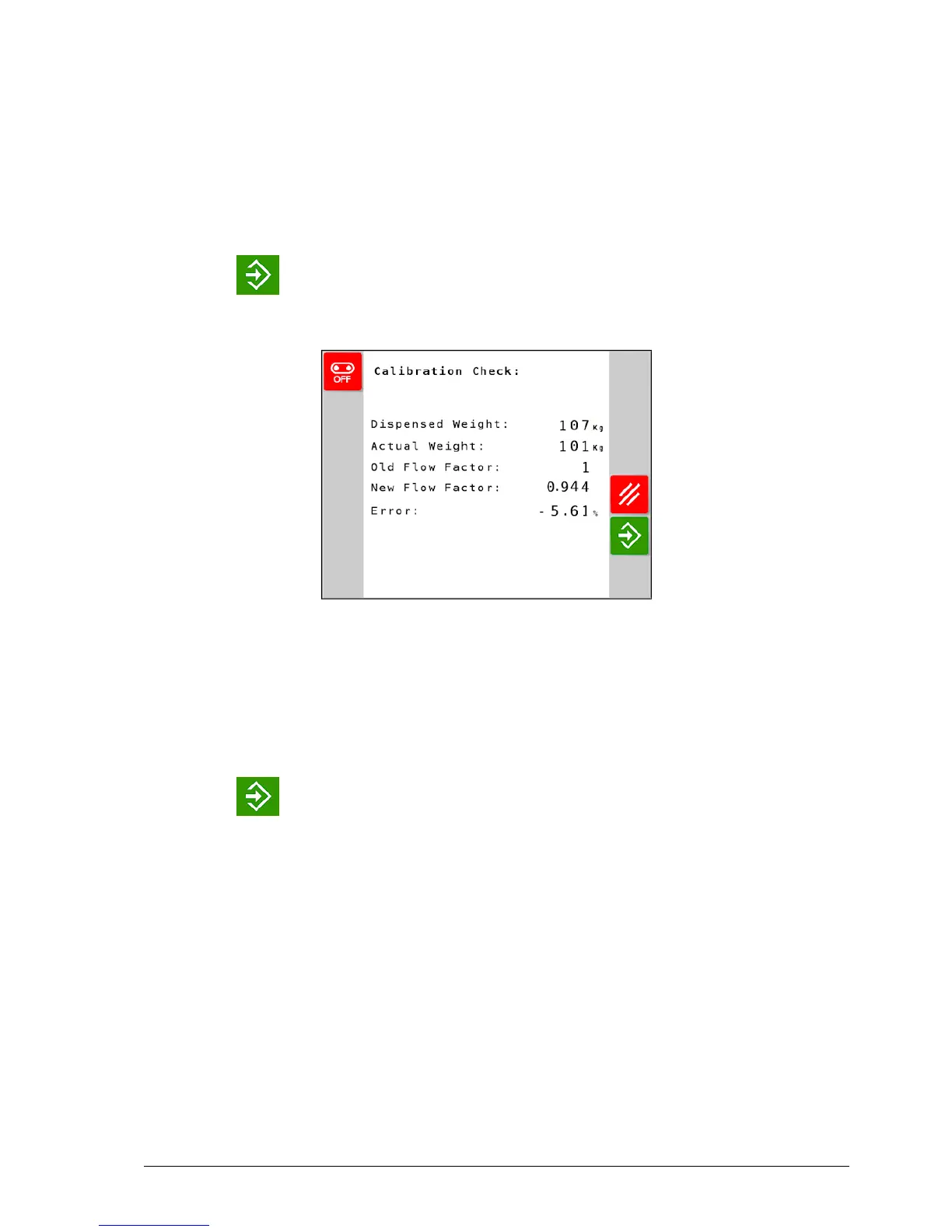
Press to continue.
The flow factor is recalculated and displayed.
Note: Increasing the flow factor has the effect of slowing the belt
speed compared to the programmed density. Decreasing the flow
factor has the effect of increasing the belt speed compared to the
programmed density.
'Dispensed weight' = 'Theory weight'.
11.
Press to finish the calibration routine.



 To Next Page