66
to trigger the new software to be reset.
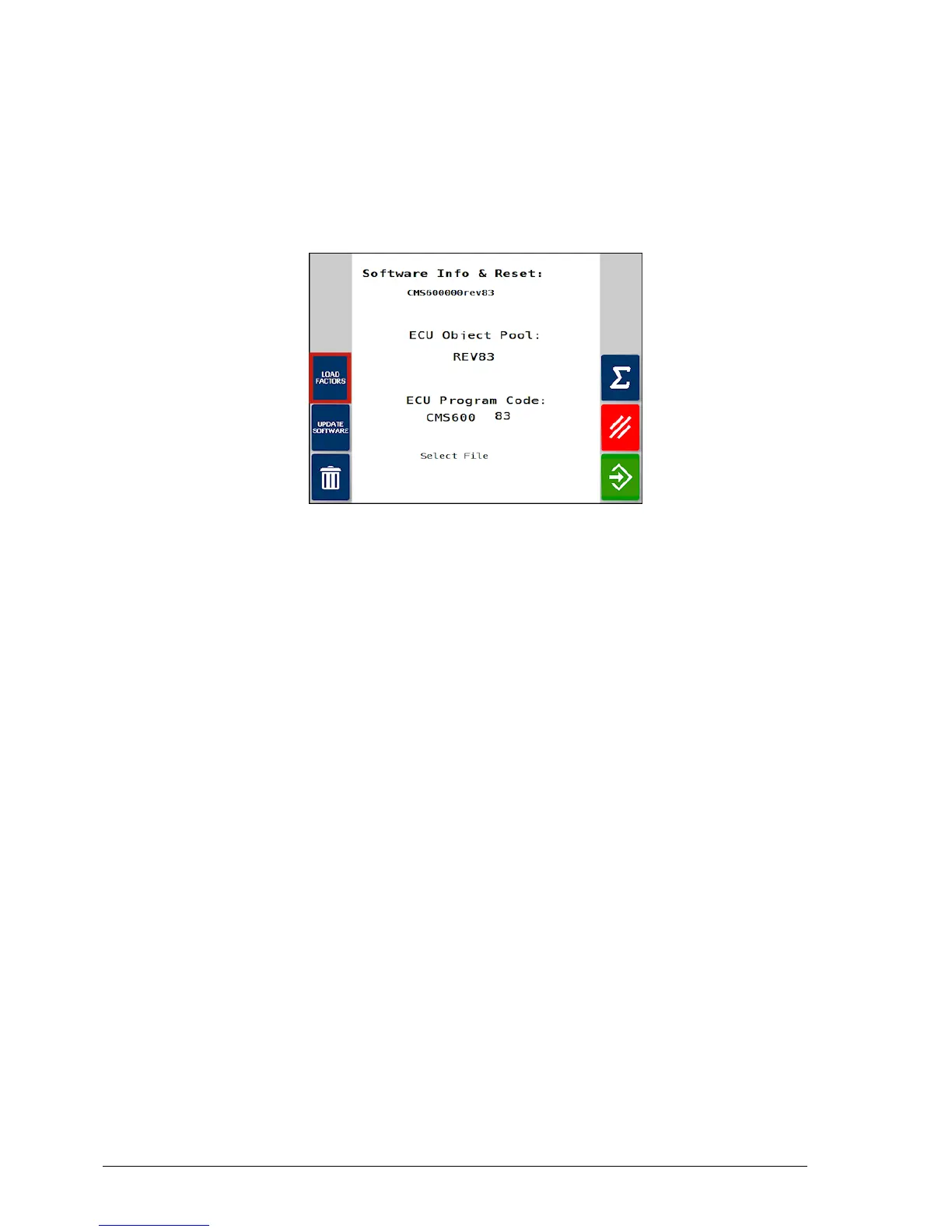
7. When the console has restarted and the Athene UT screen is
available, select the Load Factors button to restore the previous
settings from the USB.
8. When ‘Loading Factors’ is complete, switch the console off and
back on for the restored settings to take effect.



 To Next Page