CHAPTER 7 RECEIPT MODE (INTERFACE COMMANDS)
B-EP Series
7-56
7.12.2 MACRO EXECUTE COMMAND [GS] ^ <Data> [NUL]
Function Stores data for items for which the macro definitions are made.
Format [GS] ^ aaaaabbbbbccccc [NUL]
Term aaaaa: 1st data to be printed
bbbbb: 2nd data to be printed
ccccc: 3rd data to be printed
Explanation (1) If this command is sent without making a macro definition by the Macro Definition
Command, a syntax error occurs.
(2) The receipt is printed by transferring the character code specified by the Macro
Definition Command. The No. of times of data transfer and transfer time for
printing in a fixed format, can be saved. Also, the printable No. of lines per batch
transfer can be increased by using the macro function.
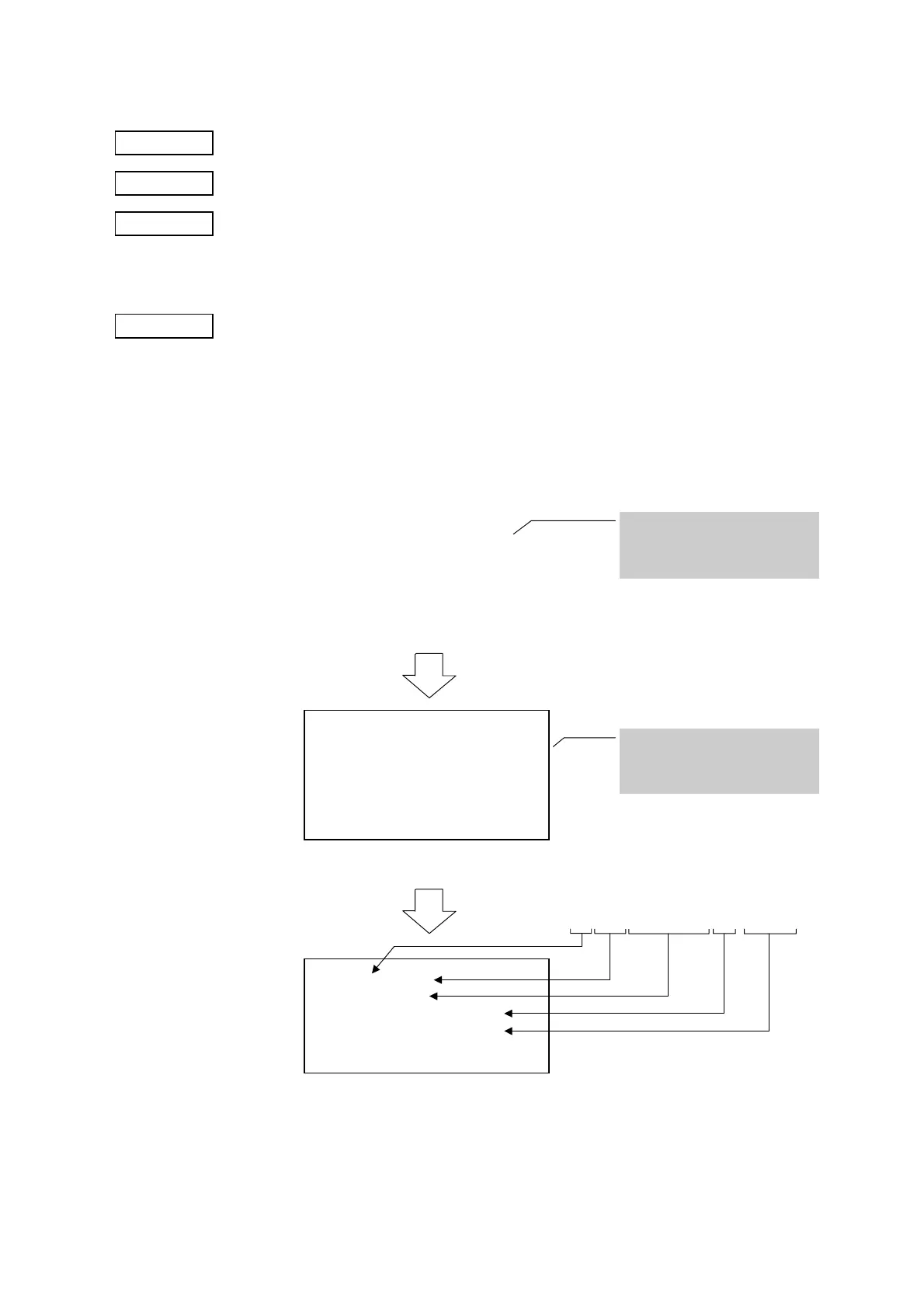
[Ex.] [GS] ^ 0023071T1 A Label 1 ¥9,000 [NUL]
[GS]: NO.### (####)[LF]
####################[LF]
Quantity #####[LF]
Price ##########[LF]
––––––––––––––––––––––[LF][GS]:
[GS]^0023071T1 A Label 1 ¥9,000 [NUL]
O.### (####)
####################
Quantity #####
Price ##########
O.002 (3071)
T1 A Label
Quantity 1
Price ¥9,000
The print position and items to
be printed at the fixed position
are defined by making a macro
definition.
To print data on two or more
lines, only the variable data
specified by “#”, is sent using
the Macro Execute Command.



 To Next Page
 Loading...









