CHAPTER 8 ESC/POS MODE (INTERFACE COMMANDS)
B-EP Series
8-47
8.10.31 INVERTED PRINTING SET COMMAND [ESC] {
Function Sets or cancels inverted printing (upside-down).
Format [ESC] {n
Term ASCII: ESC {
Hex: 1Bh 7Bh
[Parameter]
n: Setting/canceling inverted printing 0 ≤ n ≤ 255 (00h ≤ n ≤ FFh)
b7 b0
-- -- -- -- -- -- --
Default value n: 0
Explanation (1) n is valid only in the least significant bit.
(2) This command is executed only if it is received at the beginning of a line.
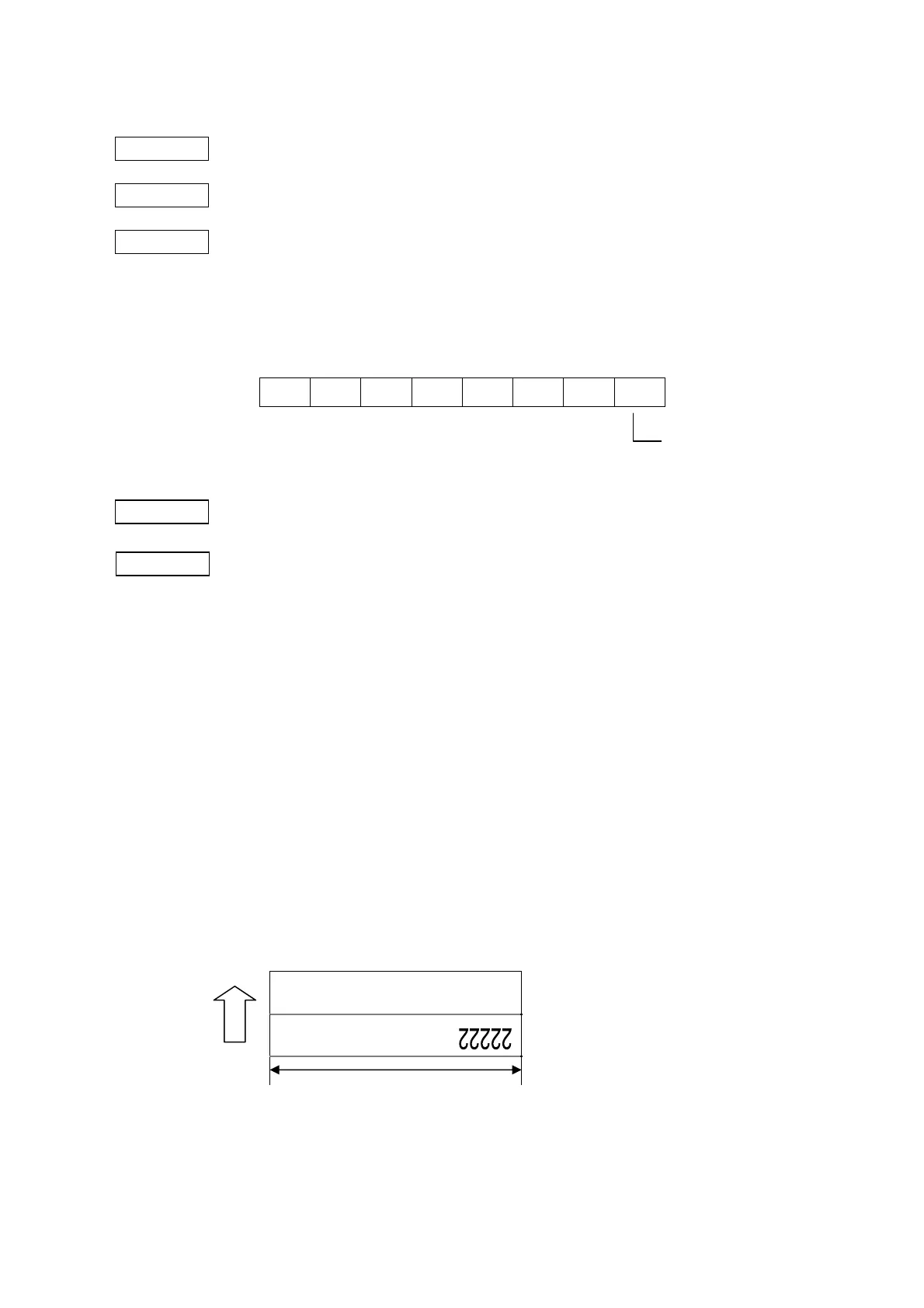
(3) Inverted printing means that a line is inverted 180 degrees and printed.
(4) Inverted printing is performed in the direction opposed to normal printing.
(5) If this command is received while the printer is in page mode, the defined parameter
setting will be applied after switching to standard mode.
[Program example]
fprintf( stdprn, "\033{"}; /* Canceling inverted printing */
fputc( 0, stdprn );
fprintf( stdprn, "11111\n");
fprintf( stdprn, "\033{"}; /* Setting inverted printing */
fputc( 1, stdprn );
fprintf( stdprn, "22222\n");
[Printer example]
11111
0: Canceling inverted printing
1: Setting inverted printing
Paper width



 To Next Page
 Loading...









