Use the • • buttons to select the desired item.
Then prea_ the RIGHT or ENTER button.
z
z
: !iiiiii_;.....
If you set tbe player menu, disc menu, audio and subtitle
lauguage in adxance, they will come up automatically exery
time you watch a movie.
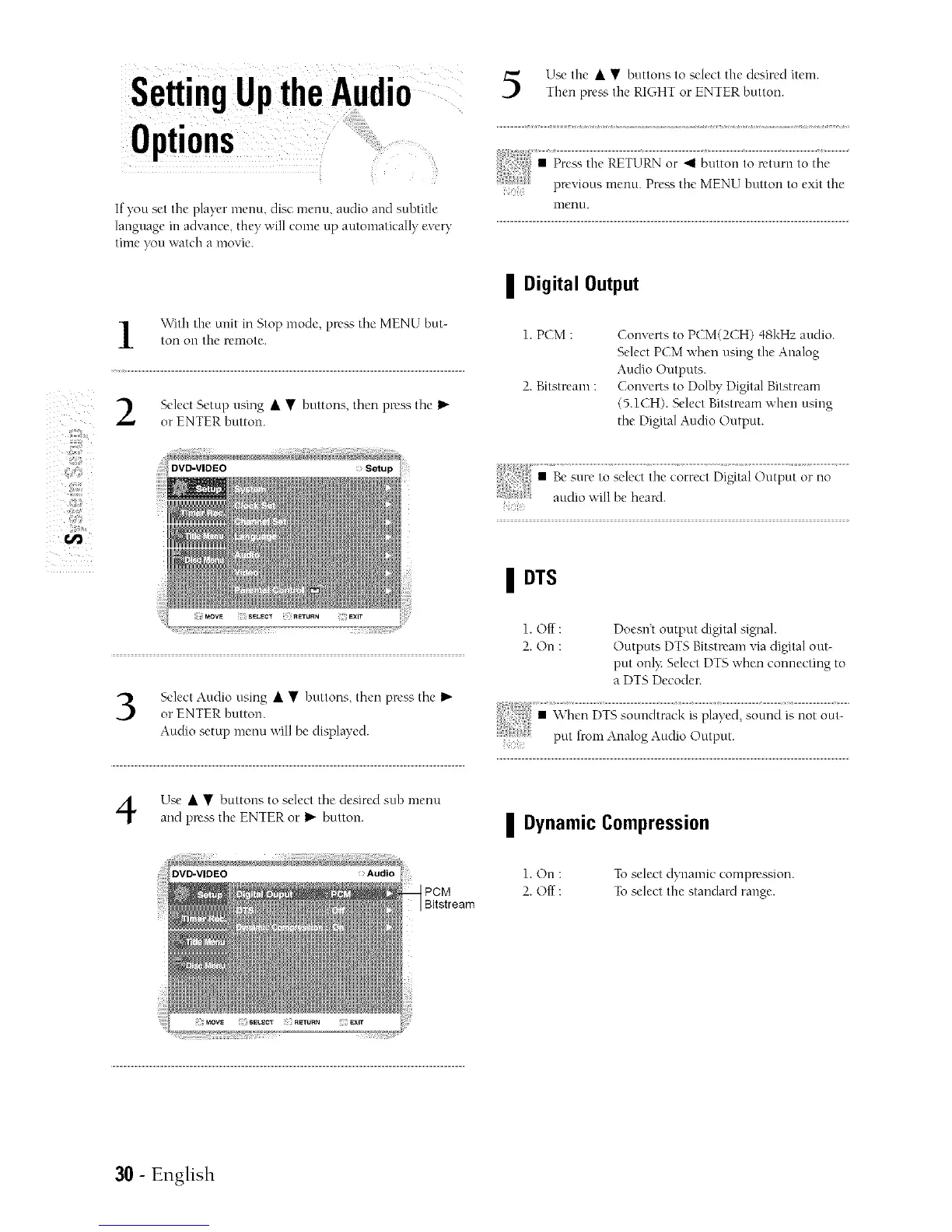
With the unit in Stop mode, press the MENU but-
ton oil the renlote.
Select Setup using • • buttons, then press the I_"
or ENTER button.
DV_VIDEO
Select Audio using • • buttons, then press tire I_
or ENTER button.
Audio setup menu will be displayed.
Use • • buttons to select the desired sub menu
arK1press the ENTER or I_"button.
DVD-VIDEO
PCM
Bitstream
inenu.
| Digital Output
1. PCM :
2. Bitstream :
Converts to PCM(2CH) 48kHz audio.
Select PCM v,'hen using the Analog
Audio Outputs.
Converts to Dolby Digital Bitstream
(5.1CH). Select Bitstream when using
the Digital Audio Output.
| DTS
1. Off :
2. On :
Doesn't output digital sigual.
Outputs DTS Bitstream via digital out-
put onl): Select DTS when connecting to
a DTS Decoder.
| Dynamic Compression
1. On : To select dynamic compression.
2. Off : To select the standard range.
30 - English



 To Next Page