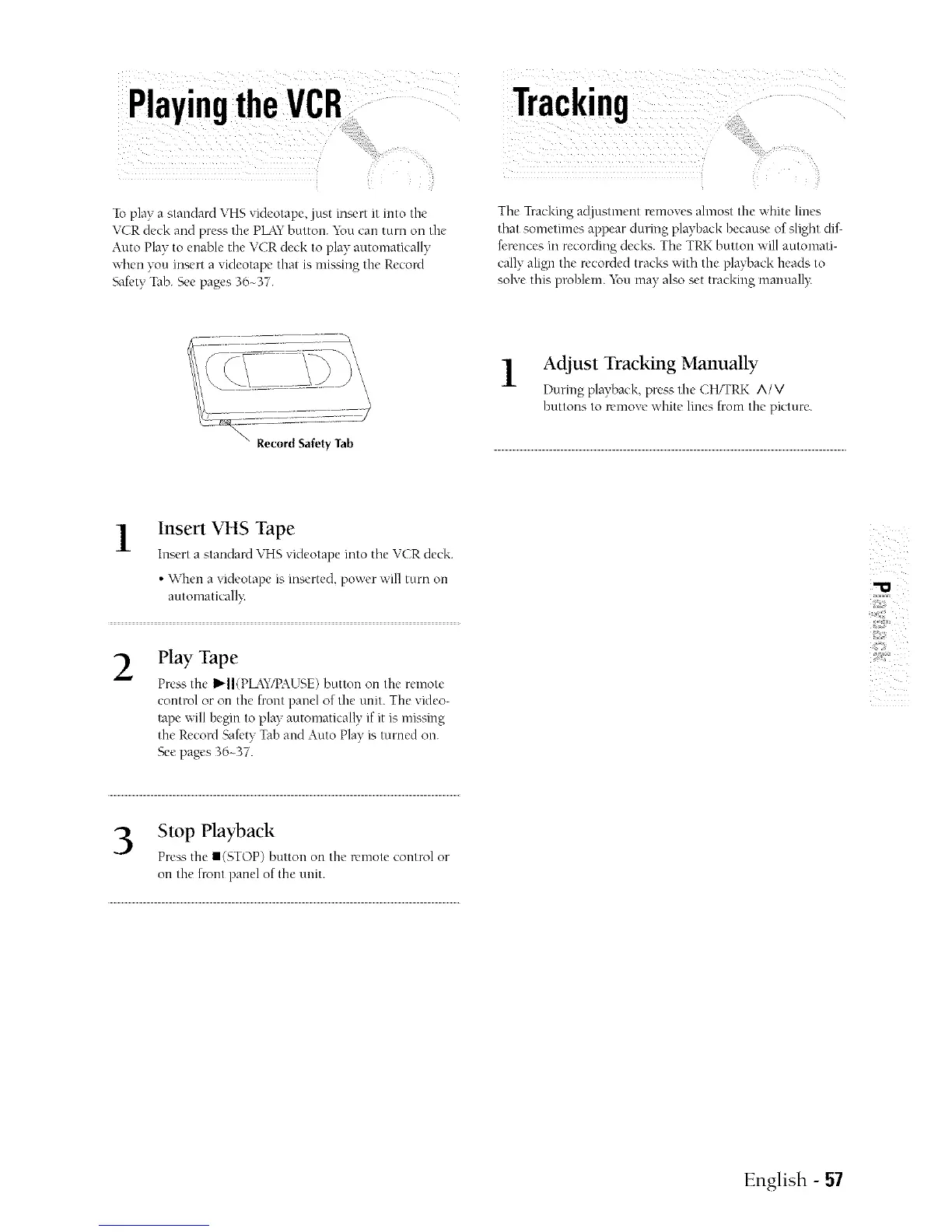
Toplay a staudard VHSvideotape, just insert it into the
VCR deck and press the PLkYbuttou. You cai1turn on the
Auto Play to euable the VCR deck to play automatically
when you insert a videotape that is nlissing the Record
'<fieryTab. See pages 36~37.
Tracking
Tile Tracking adjustment removes alnlost the white lines
that sometmleS appear during playback because of slight dif-
fcrellces in recording decks. Tile TRK button will automati-
cally align the recorded tracks with the playback heads to
solve this plsd_lerrl._.m may also set tracking mauuall>
\
\
\ Record Safety Tab
1 Adjust Tracking Manually
-L
During playback, press the CH/TRK A/V
buttons to remove white lines from the picture.
1
Insert VHS Tape
hlsert a standard VHS videotape into the VCR deck.
• Wheu a videotape is inserted, power will turn ou
automatk'all}:
2
Hay Tape
Press the I_II(PL4Y/PAU",E) button on tile remote
control or on tile front panel of the unit. The video-
tape will begin to play autonlatically if it is missing
the Record Sak'ty Tab and Auto Play is turned ou.
See pages 36~37.
3 Stop Playback
Press the II(STOP) button on tile remote control or
on the front panel of the unit.
English - 57



 To Next Page