| Using Repeat Play
(ForAudio CD/MP3)
| Using Repeat Play
(For DVD-VIDEO/DVD-RAM/DVD-
RW/DVD-R)
(DVD-VIDEO only supports chapter rcp_'at.)
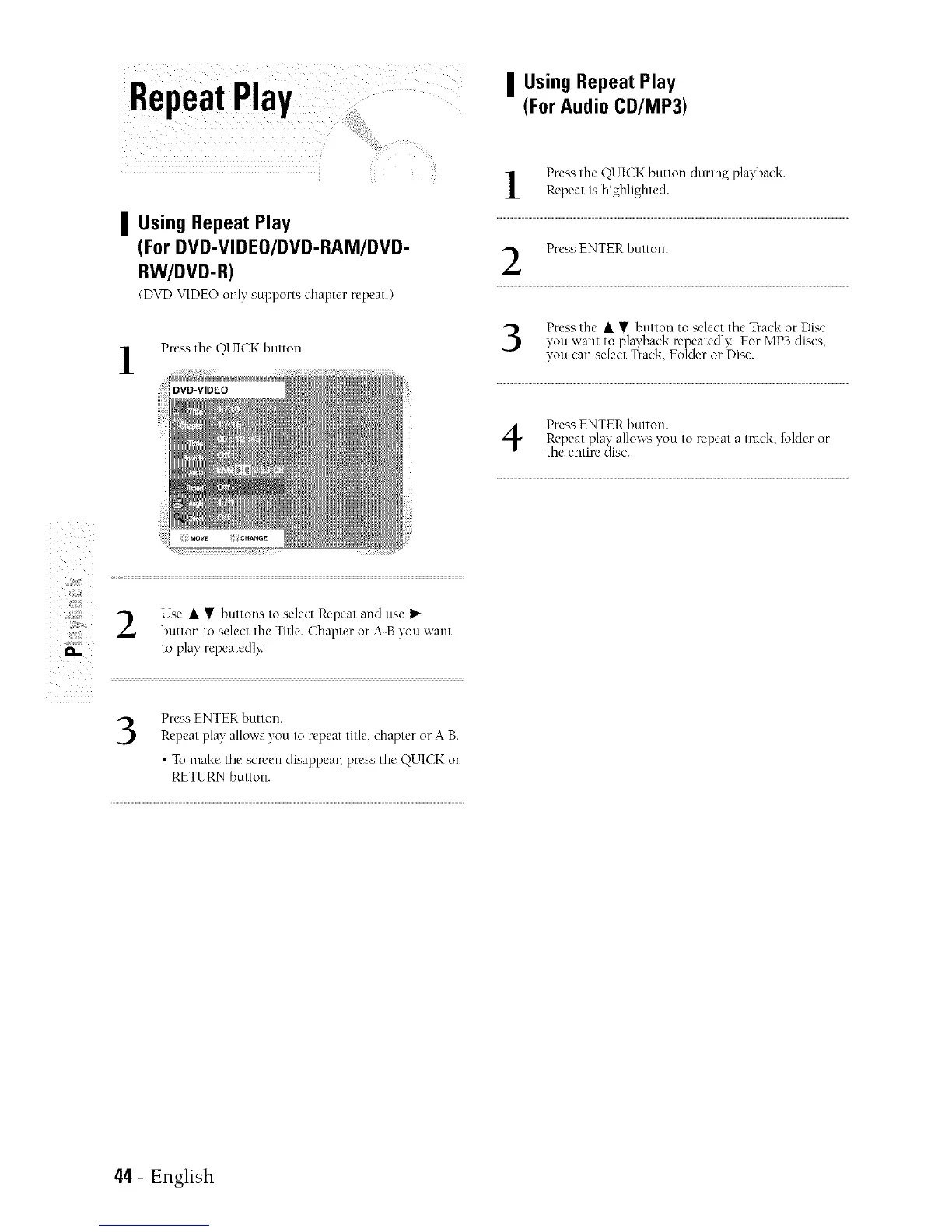
Press the O.UICK button.
Press the QUICK button during playhack.
Repeat is highlighted.
Press ENTER hutton.
Press the • • button to select the Track or Disc
you want to playback repeatedl'_ For MP3 discs,
_,,oucan select "l_rack Folder or [)isc.
Press ENTER button.Repeat play allows you to repeat a track, folder or
the entire disc.
z
i ii!! iili
}
Use • • huttons to select Repeat and use
button to select the Title. Chapter or A-B you want
to play repeatedl}:
3
Press ENTER button.
Repeat play allows you to repeat title, chapter or A-B.
• To make the scwen disappear, prea_; the QUI( 3< or
RETURN button.
44 - English



 To Next Page