EditingTimerRecordList
4
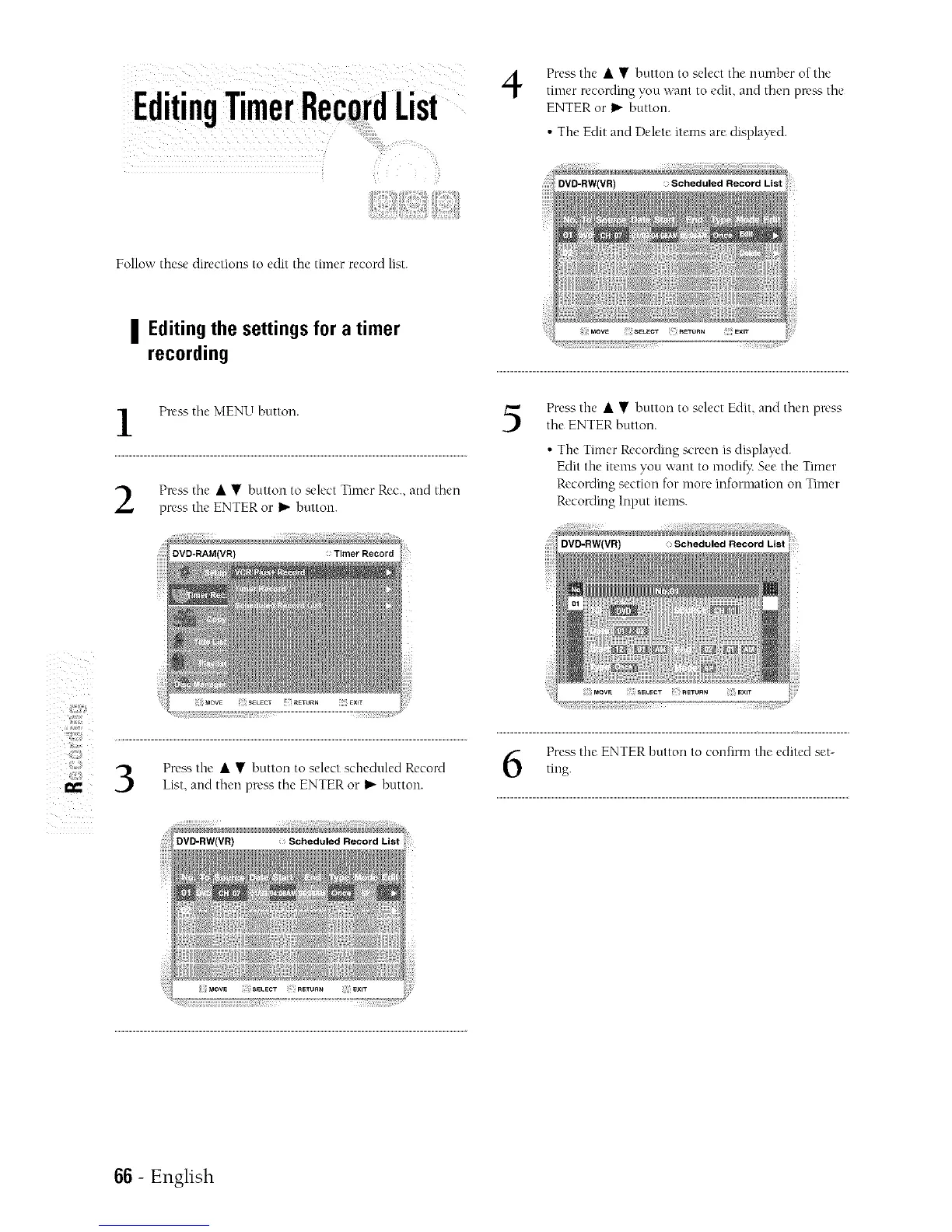
Press the • • button to select tile number of the
timer recording you want to edit, and then press the
ENTER or I_"button.
• The Edit and Delete items are displayed.
Follow these directions to edit the timer record list.
I Editing the settings for a timer
recording
l Press the MENU button. 5
Press the • • button to select Timer Rec., and then
press the ENTER or I_ button.
Press the • • button to select Edit, and then plx'ss
the ENTER button.
• The Timer Recording screen is displayed.
Edit the items you want to modi_: Seethe Timer
Recording section for more information on Timer
Recording Input items.
DVD-RW(VR) Scheduled Record List
IX
Pre_'_ the • • button to select scheduled Record
List, and then press the ENTER or I1_button.
Press the ENTER button to confirm the edited set-
tmg.
66 - English



 To Next Page